The Drop · August 22, 2026
Metal visualizer: blast beats, blackletter and what happens above 180 BPM
Every other genre on this site rides the tempo the app detects. Metal is the one that breaks the number. A blast beat runs off the top of the scan, the app prints a figure that is not the tempo you tracked at, and the job is knowing what to do with that.
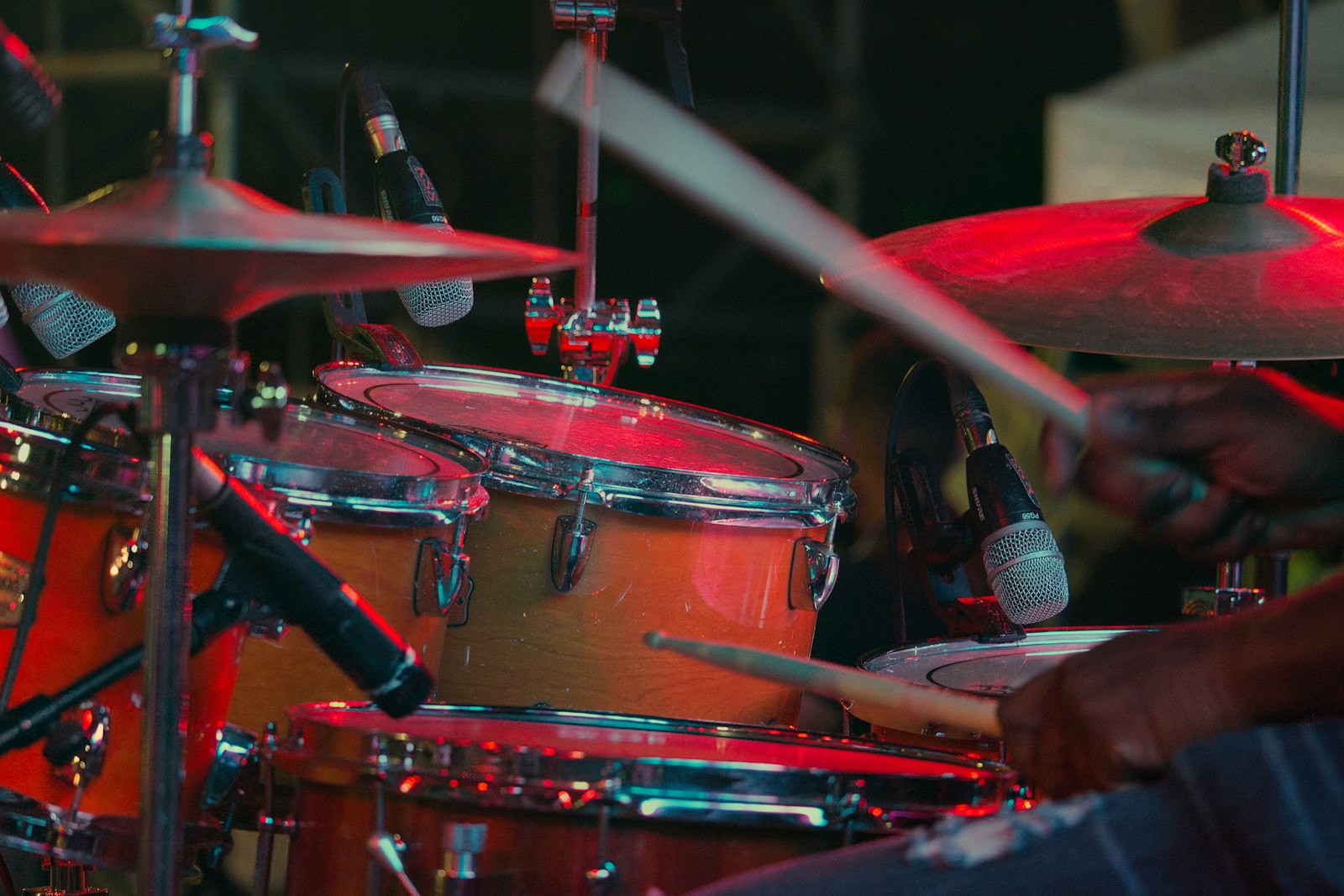
Photo via Unsplash
A metal visualizer has one problem no other genre hands you: the drums are faster than the tool expects. Not a little faster, two or three times faster.
The number on screen is not your tempo
When a file loads, the app runs a tempo pass over the first minute of audio. It builds an energy envelope, keeps only the rises, and correlates that against every candidate tempo from 60 to 180 BPM in half BPM steps. One correction sits on top, doubling a reading that came in under 95 when the double time version scores well, so the highest figure it can ever print is 189.
Now the genre. Wikipedia's blast beat article, citing Derek Roddy's The Evolution of Blast Beats, puts the modern form at 16th notes "from 180 bpm to potentially as high as 280 bpm, although an upper limit of 250 bpm is more common". The quarter note pulse of most of this music sits at or past the ceiling of the scan before you get to the fast stuff.
So what does it print? Something slower that still fits the grid. I ran the detection function over synthesized blast patterns: a 240 came back as 120, a 220 as 109, a 200 as 131. Usually a half, sometimes a third, occasionally neither. Read the number next to the filename and do your arithmetic from that, not from the tempo in your DAW. The detection post covers the machinery.
Half time is the read you want anyway
Here is the part that turns the limitation into the setting. There is a hard floor of 90 milliseconds between flashes whatever the audio does, which caps the picture at about eleven flashes a second. A blast at 250 BPM puts 16th notes at nearly seventeen a second. Even a perfect tempo reading could not flash every hit, and the result would be a grey blur.
A half time read is what a metal video editor does by hand. The drums keep sprinting, the picture lands on a pulse the eye can follow, and the gap between them is the tension. Cut on every hit and you have deleted the blast beat from the video, because nothing is left for it to be fast against. Same argument as the drum and bass post, one notch further along: at 174 you can still track the beat, at 250 you stop trying.
Settings that survive a wall of guitar
Three controls matter more here than anywhere else.
Beat sensitivity, and it goes down, not up. The detector compares current low end energy against a rolling average of the last 0.7 seconds of itself, and fires when the frame beats that average by the sensitivity multiplier. Where distorted guitars hold the bottom couple of kHz at a near constant level, the average sits right up near the peak, almost nothing clears the bar, and the picture goes still. Sliding sensitivity down toward 1.05, from the 1.35 default, is what gets flashes back.
Content change rate, off the frantic default. Images, lines and shapes swap on a clock rather than on the detector, and the clock is the detected BPM: 60000 divided by that number, times the rate you pick. If the app printed 120, the default Every 1/4 beat is a new thing on screen every 125 milliseconds, eight a second, which reads as static rather than editing. Every beat or Every 2 beats is the range that looks deliberate.
Bass drop detector, left at zero. It ships off, and metal is the genre to leave it off on. One of its two engage paths compares current bass against the track's own running peak, so constantly heavy music can still trigger it. On a record that is loud from the first bar to the last, that path engages early and never releases, and you get glitch slices, frame shake and scrambled text for the whole song. Bring it up only if there is a quiet intro or a breakdown for it to come out of.
One smaller one. Flash duration is how long each flash takes to decay, and shortening it from 180 milliseconds toward 100 keeps flashes separate instead of smearing together when hits arrive every ninety.
Blackletter and horror, already installed
The font pool is 50 display faces, and this genre is the reason for several of them. Metal Mania, Creepster, Nosifer and Eater cover the horror end. UnifrakturCook and Pirata One are the blackletters, both set title case rather than all caps on purpose, because blackletter capitals set solid are close to unreadable.
Hit ALL OFF, then tick five or six. The picker deals from a shuffled deck of whatever is ticked and reshuffles only when the deck runs out, so six faces means each appears once every six changes rather than the same two over and over. Keep lines to one or two words: the face changes on every content change, and a long line in blackletter at speed is a texture, not a word. The fonts post covers the rest of the library.
Where the drum triggers land
Any uploaded image can be assigned to the kick, the snare or the hi-hat. Those detectors work on energy rise rather than energy level, which is why they still function under a guitar wall that would flatten a level based detector. Each drum has its own cooldown, 110 milliseconds on the kick and 140 on the snare, and a fast blast hits the snare more often than that, so the image lands on a subset of the hits. Another half time read arriving on its own.
The flashing question, which is not optional here
Metal is the genre where this needs saying plainly. Even a half time read of a 220 BPM track puts flashes on screen a couple a second, and the fast settings go well past that. WCAG 2.3.1 asks for no more than three flashes in any one second, and a render like this will be over that line for most of its length. That is a reason to label it, not to avoid it, so put a flashing warning in the caption. The strobe guide covers the rest. If you want the look without the flashing, flicker opacity at zero and a slow change rate gets you there.
The short version
- Load the track and read the BPM the app prints. Treat it as a division of the real tempo.
- Beat sensitivity down toward 1.05 on a dense mix.
- Content change rate to Every beat or Every 2 beats.
- Bass drop detector at 0 unless the track has a quiet section to come out of.
- Fonts ALL OFF, then Metal Mania, Creepster, Nosifer, Eater, UnifrakturCook, Pirata One. One or two words a line.
- Blood palette, reds plus white, or Black and white for full grayscale. Flash duration around 100 milliseconds.
- Press RENDER, keep the tab in front, and a 1080p WebM lands in your downloads. If a platform wants MP4, the export guide has the one line of ffmpeg.
No plugin, no DAW, no account. A browser tab, an audio file, and a tempo number you have learned not to trust.
Put a blast beat through it
One track, one render, a 1080p video that cuts itself. No account, no watermark, nothing uploaded anywhere.
Open the visualizer