The Drop · June 20, 2026
Drum and bass visualizer: keeping the cuts tight at 174 BPM
Drum and bass moves fast. The drums fly at around 174 BPM while the bassline rolls underneath at half that, and a visualizer that gets the genre right has to keep up with the break without smearing into a blur. The trick is reading the tempo correctly first, then cutting at a rate that matches the speed.
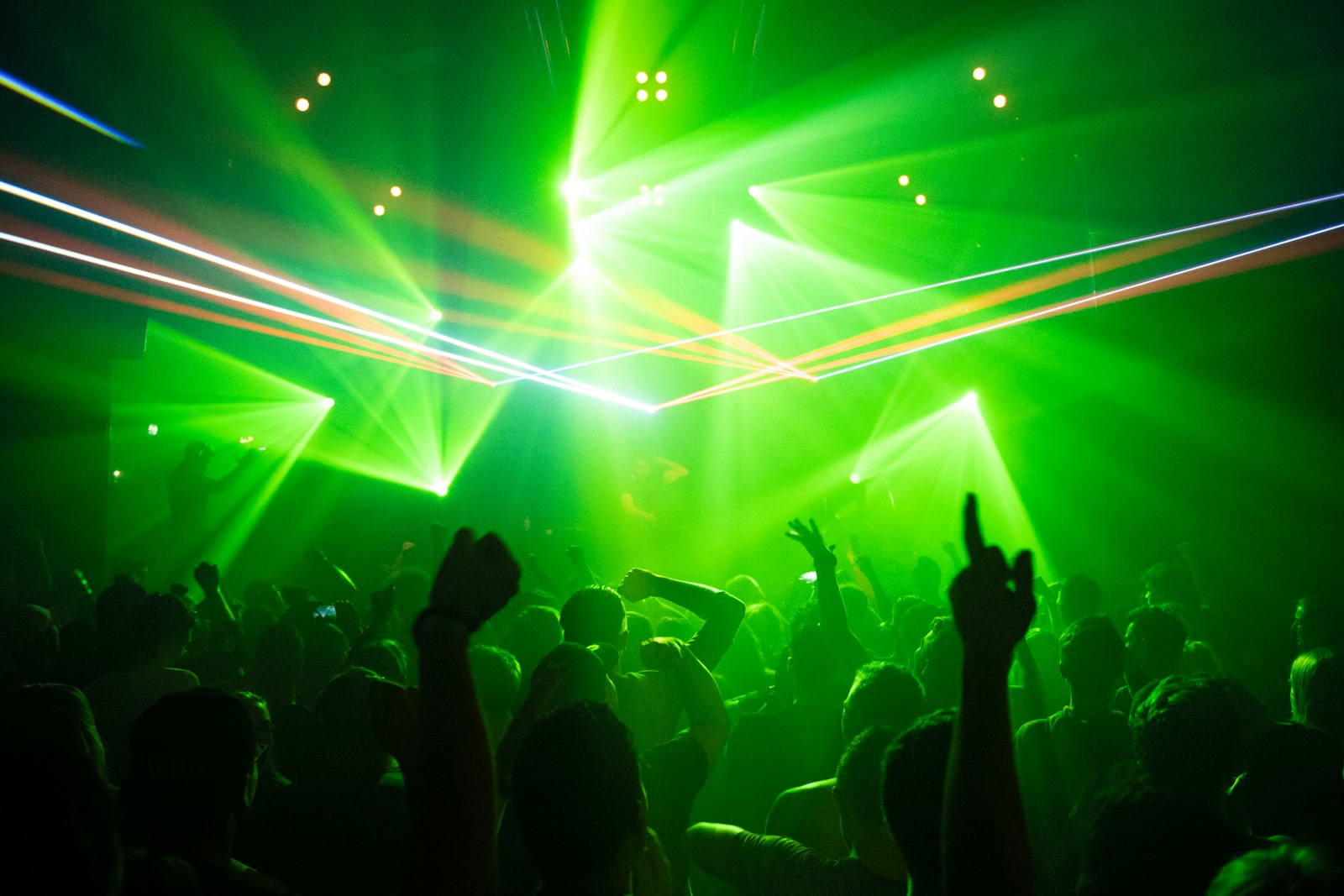
Photo via Unsplash
What makes drum and bass hard to visualize?
Speed is the whole problem. Drum and bass is usually written between 170 and 180 BPM, and 174 has become the number most tracks land on. At that tempo a single beat is about a third of a second, and the breakbeat packs several drum hits into every beat. A visualizer that flashes on each beat the way it would on a slower house track ends up either lagging behind the drums or flickering so hard that nothing reads. The genre also runs on a contradiction: the breaks are frantic, but the sub-bass underneath sits at half the tempo, so the track feels like it rolls rather than races. A drum and bass visualizer has to honor both of those at once, the busy top and the heavy bottom.
The good news is that the things that make dnb hard to cut by hand are exactly the things the visualizer does automatically. It finds the tempo, locks its cuts to that grid, and reacts to individual drums instead of just overall loudness.
Get the BPM right before anything else
Every cut in the edit hangs off the detected tempo, so if the tempo reads wrong the whole video drifts. The app works out the BPM once when the track loads rather than guessing live. It builds an energy envelope of the opening, looks for the onsets, and runs an autocorrelation scan across the usable tempo range up to 180 BPM to find the spacing that fits the drums best. For a 174 BPM dnb track that lands right at the top of the range it checks, which is where you want it.
The classic failure at this tempo is the octave error. A lot of detectors hear a 174 BPM track and report 87, because half-time is a perfectly valid reading of the same drums and the sub-bass is genuinely sitting down there. The app guards against this: it pushes a too-slow reading back up an octave and checks whether a double-time interpretation actually scores better before committing, so you get cuts on the real 174 grid instead of a sleepy 87. If a particular track still reads half-speed, the content rate setting below lets you cut at a half beat or smaller and claw the speed back regardless.
Set the content rate for the break
This is the setting that decides whether a drum and bass visualizer feels right. The content change control sets how often the visuals swap to the next line of text or the next image, measured in beats so it stays locked to the tempo. The choices run from every four beats down to every eighth of a beat, and dnb wants the faster end of that scale.
- For the body of a roller, every half beat keeps cuts moving with the drums without turning into noise. This is the safe default for most of a dnb track.
- For a heavy section or a fast double-time break, drop to every quarter beat. The cuts start to machine-gun and the edit reads as genuinely fast.
- The every eighth of a beat option, labeled unhinged in the app for a reason, is for short bursts only. At 174 BPM that is a swap roughly every twentieth of a second. Use it across a few bars of a peak and then pull back, because leaving it on for a whole track is unwatchable.
The move that makes an edit feel arranged is changing this rate as the track changes. Sit at every half beat through the intro and the rollers, then jump to a quarter or eighth when the second drop lands. That contrast between patient and frantic is what separates a real edit from a constant flicker. It is the same logic the trap visualizer uses on hi-hat rolls, just running faster across the board.
Put images on the break, not just the beat
The amen-style break is the heart of dnb, and you can map it drum by drum. Add your images, then use the dropdown under each one to assign it to the kick, the snare or the hi-hat. The app listens to those three bands separately using spectral flux, which measures how much energy a band gains frame to frame rather than how loud it is, so it catches the actual hits in a busy break instead of one wash of sound. Assign your boldest image to the snare, since the snare is the backbone of the break and the eye locks onto it, and let the hi-hat carry a faster, lighter image that flickers through the chopped sections. Images left on Any keep rotating with your text in between the assigned hits.
Ride the drop and the rolling bass
Drum and bass lives and dies on the drop, and the app has a bass drop detector that engages when the low end stays heavy past a single hit, tearing the frame into glitch slices, shaking the picture and scrambling your text while it holds. On a dnb track set its sensitivity so it fires when the bassline drops in after the intro and on the second drop, not on every kick. That keeps the glitch meaningful instead of constant. It is the same detector the dubstep visualizer leans on, but dnb asks it to mark the rolling reesebass sections rather than one giant wobble.
Build the look and render it
Type does a lot of work here. The font picker has fifty faces; a hard condensed impact or a sharp techno face reads more dnb than anything soft, and keeping your text short, a label or a single word, suits a genre that is mostly instrumental. Two or three saturated colors flipping on the cuts read cleaner at this speed than the full rainbow, and a black and white look puts every bit of weight on the contrast of the cuts themselves, which is no bad thing when the cuts are this fast. If you want the energy without picking visuals at all, the build-and-color approach in the EDM visualizer guide ports straight over.
When the cuts hit on the break and the drop glitches where it should, render. The app records the canvas at 1920x1080, 60fps, with the track muxed in, and the export is a WebM file with no watermark and no account, and your audio never leaves your machine. Keep the tab focused while it records, because a backgrounded tab stops drawing frames and you get a frozen video.
- YouTube takes WebM directly. For anywhere that wants MP4, one command converts it:
ffmpeg -i dnb.webm -c:v libx264 -crf 18 dnb.mp4 - Render the full track once, then cut the hardest sixteen bars for Shorts, Reels and TikTok. A dnb roller travels well as a short, fast hook.
One caution before you publish
A drum and bass edit flashes hard and fast, faster than almost anything else you can make in the app, and strobing light can trigger seizures in people with photosensitive epilepsy. Put a flash warning in the first line of your caption, and if you are running these visuals on a screen at a night or a rave, post a notice at the door. At dnb speeds the warning matters more, not less.