The Drop · July 28, 2026
The lyric video alternative: let the beat do the editing
Type a line, drag it to the right frame, repeat for three minutes. That is the lyric video workflow, and for most of the music people are actually uploading there is a faster route that hits harder.
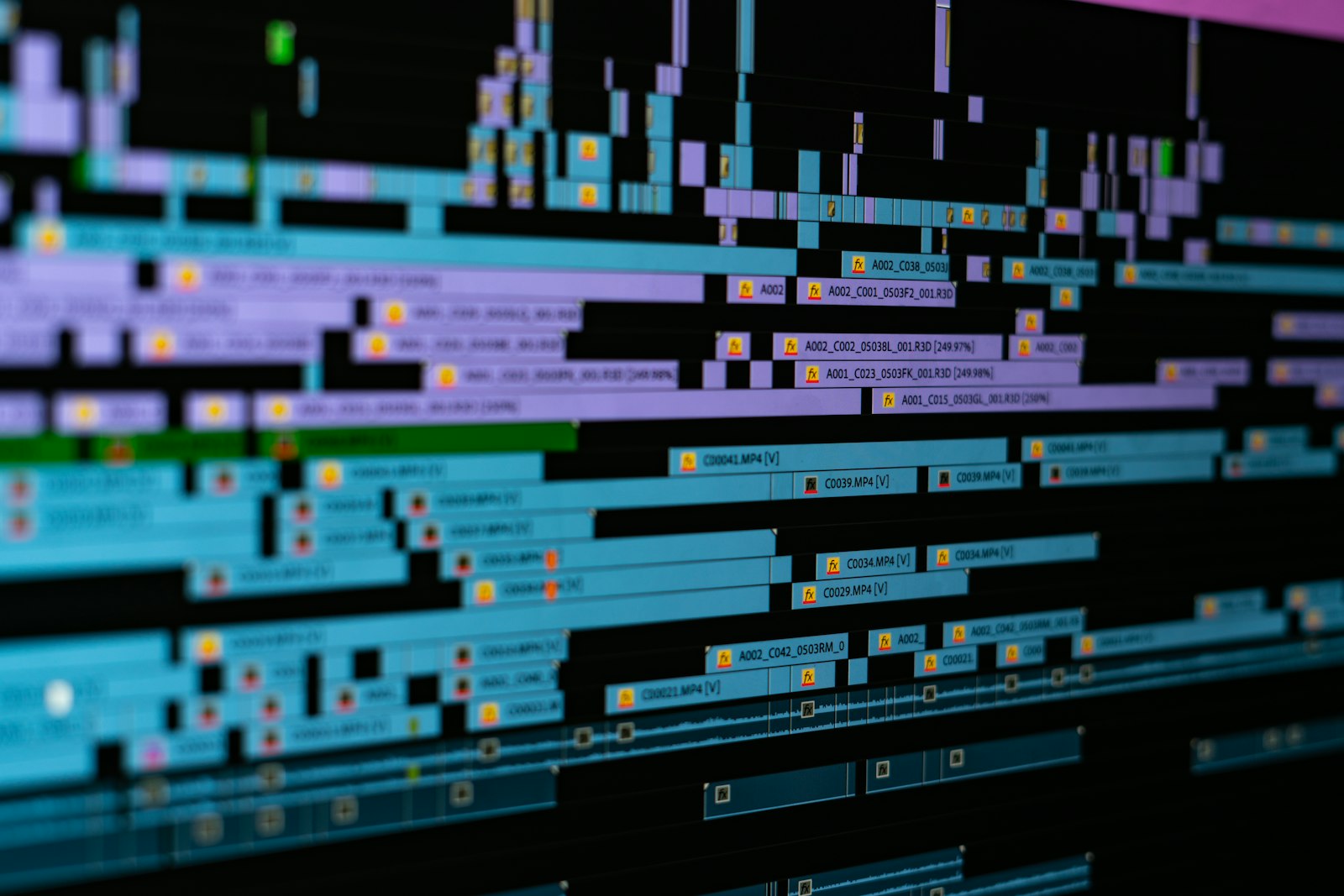
Photo via Unsplash
Search for a lyric video maker and you land in a wall of templates. They look great in the preview. Then you open one and realise the preview was somebody else's song, and the reason it looked tight is that a motion designer placed every word by hand. That work is now yours.
This post argues the other side: let the audio be the editor.
What a lyric video template really is
Strip the marketing off and a template is a timeline animation with placeholder text. Words appear because a keyframe says so at 00:41.2. The file has no idea what your track sounds like. Load a slow ballad or a 174 BPM roller into the same project and it animates identically, because nothing in it is listening.
That is the whole difference. A template plays a fixed animation next to your song. A visualizer reads the song and builds the animation out of it.
The pricing follows from it too. Envato Elements, the big library those After Effects lyric projects come from, runs 16.50 USD a month billed annually on its Core plan, or 39 USD if you pay month to month. Browser side, the free tools mostly trade the money for a mark on your video: MakeLyricVideo, for instance, needs no signup at all but its free download carries a small watermark, with the clean file behind a paid upgrade. You are either paying a subscription or paying with your first three seconds of screen.
A lot of what gets posted has no lyrics
This is the part the template listings skip. If you produce, a big share of what you upload is instrumental by definition. Type beats have no vocal. Phonk, techno, drum and bass, most EDM: the vocal is a chopped sample at best. A lyric video maker has nothing to put on screen for any of it.
Producers still need a video, because YouTube will not take a bare audio file and a static JPEG stops the scroll for nobody. So the real question is what should be moving on screen when there are no words. The answer that holds up is the drums. If you are shipping beats specifically, the type beat guide covers the posting side of that.
Syncing the words is the entire job
Say you do have a vocal. Filling the template's slots means scrubbing the waveform, finding where each line starts, and nudging keyframes until the words stop landing late. Three minutes of lyrics is an evening.
Auto sync tools exist and they help. They also work by transcribing your audio, which means they are guessing at words buried under an 808 and a wall of reverb. On a clean vocal it is close. On a dense mix you get a pass that needs correcting line by line, and correcting line by line is the timeline job you were trying to skip.
What happens when the track drives it instead
Drop an audio file into the visualizer and there is no timeline at all. It analyses the file up front, finds the tempo by autocorrelating the energy envelope, and from then on every cut sits on that grid. You pick how often the picture changes in musical terms rather than in seconds: every 4 beats, every 2, every beat, or down to every eighth of a beat if you want it unhinged.
On top of the grid, a live analyser watches the mix while it plays:
- An energy detector on the low bins fires the flash on the kick, with a sensitivity dial for how much of the track counts as a hit.
- Separate kick, snare and hi-hat detectors watch for energy rising in their own bands, so you can pin an uploaded image to one drum and have it appear only on that hit.
- A drop detector compares a fast bass average against a slow one, and when the ratio holds it engages: glitch slices, frame shake, text scrambling, all ramping with how hard the drop is.
None of that is placed by you. Change the song and the video changes with it, which is exactly what a template cannot do.
You can still put words on screen
Wanting text is not the same as wanting a karaoke crawl. There is a text box in the app, one line per row, and those lines rotate on the same beat grid as everything else. So a line lands on a downbeat, holds for two bars, then the next one hits. It reads like a hook or an ad lib punched up on the beat rather than a subtitle track scrolling past.
The other half of that is the typeface, which is where lyric templates win people over in the first place. There are 50 display fonts loaded in, spanning condensed impact, blackletter, graffiti, Y2K techno and pixel faces, with a checkbox per font so you can narrow the deck to the three that suit the track and let it shuffle between them. The fonts guide goes face by face on when each one works.
Leave the text box empty and you get no text at all, which is the honest setting for an instrumental. Images only, shapes only, or pure black slammed by light.
When a lyric video is still the right call
It is a real format and there are cases where it wins. If the song is a vocal single and the words are the point, if people are meant to read along and learn them, if the label wants an official lyric video sitting next to the audio upload, then build the lyric video. Nothing here replaces that.
The mismatch is everything else: an instrumental, a beat tape, a DJ edit, a loop for a booth screen. Those get handed a lyric template because it is the format people know, not because it fits.
Render it and get it posted
Recording runs in real time while the track plays, so start it and leave the tab in front. A backgrounded browser tab throttles its animation loop to nothing and you end up with a frozen frame set to music. What you get back is 1920 by 1080 at 60 frames per second in a WebM container, no watermark, no account, and the audio never leaves your browser.
YouTube accepts that WebM as is. For anywhere that does not, the WebM and MP4 comparison explains what the container actually changes and gives you the one line of ffmpeg to convert.
One caution, since this tool flashes: full screen flashing can trigger a seizure in someone with photosensitive epilepsy. The accessibility rule is blunt about it. WCAG success criterion 2.3.1 says pages should not contain anything that flashes more than three times in any one second period unless the flash sits below the defined thresholds. Slow the change rate, drop the flicker opacity, and put a flashing lights warning in the caption. The strobe video post works through the numbers.
That is the case. A template animates near your song. A visualizer is built out of it. If the music has no lyrics, or you just do not want to spend an evening dragging words, start from the visualizer instead and let the track do the cutting.
Make the video the track already wrote
Load a song, add a few lines if you want them, and render a 1080p clip that cuts on the beat. Free, no watermark, no signup.
Open the visualizer