The Drop · October 18, 2026
Giving a music visualizer a VHS look with grain and scanlines
Four options sit in a dropdown called Artifacts, and its label tells you the important part: constant texture over the video. Everything else here reacts to something. This layer just sits there, first frame to last.
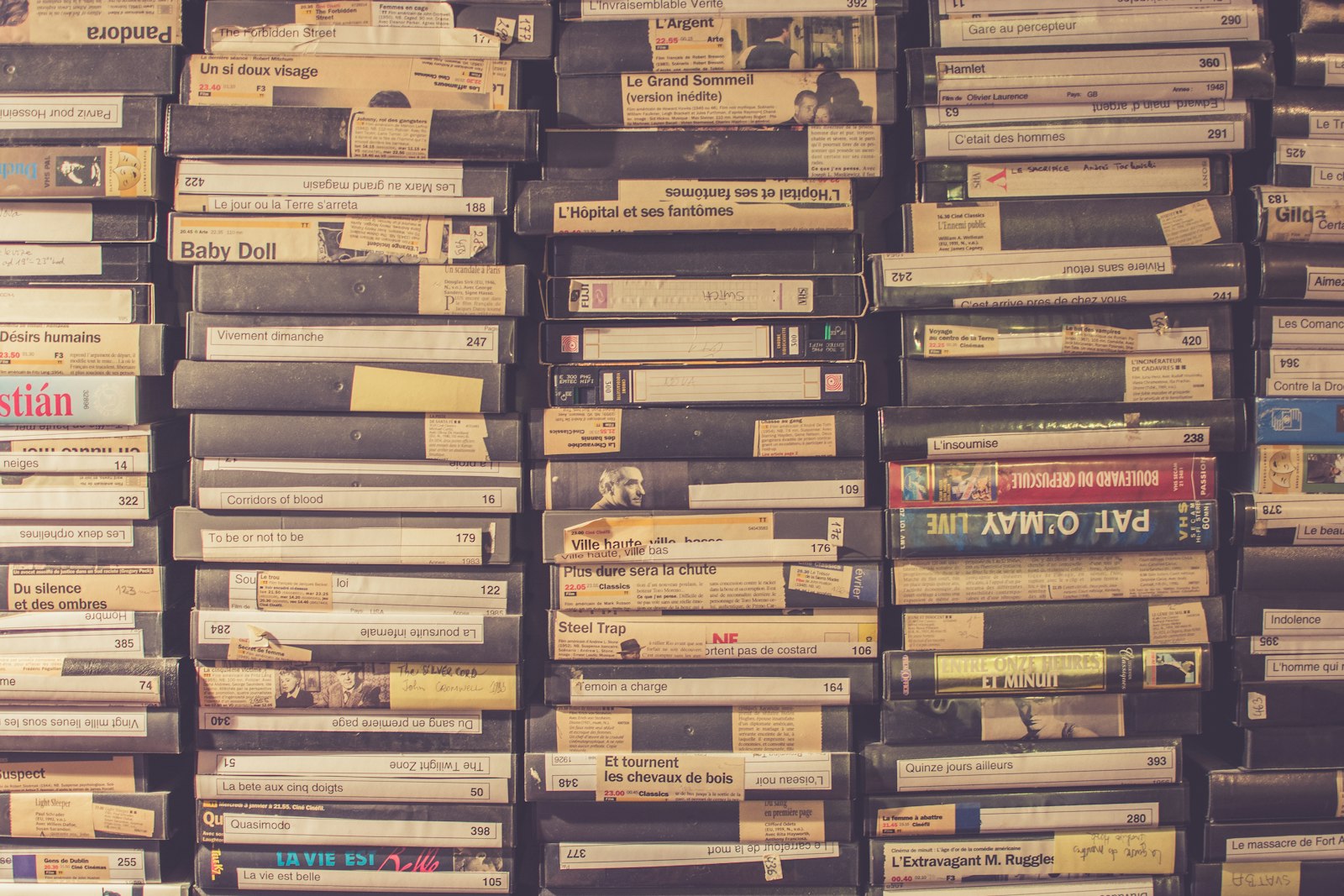
Photo via Unsplash
Four options, two textures
The menu reads Off, Film grain, TV static, Scanlines, VHS. That looks like four looks. It is really two, each at two strengths.
Film grain and TV static are the same noise canvas at different opacities, 7 percent and 20 percent. Nothing else differs. One texture, one volume knob. VHS is literally scanlines with a tracking band on top, so you never get the band without the lines.
What each one actually draws
The noise is a 160 by 160 canvas filled once, when the page loads, with an independent random grey per pixel. It is never regenerated. What makes it look alive is that the tile is dropped at a fresh random offset every frame, then repeated to cover the frame, which takes 84 to 104 placements. So about eighty copies of the same small patch are on screen at once. Against a flat background you can find the repeat if you look. In motion, nobody does.
Over pure black, grain lands between 0 and 18 out of 255 and averages 9, a haze you half notice. Static runs 0 to 51 and averages 25, lifting your blacks to about a tenth grey, which reads as a dead channel rather than as film.
Scanlines is a different animal: a four pixel tile, two dark rows and two clear, filled across the whole frame at 16 percent. On a 1080 frame that is 270 dark bands, and since half the frame is dimmed by 16 percent it works out as roughly an 8 percent darkening overall. More a dimmer with a texture than noise.
| Option | What it is | What moves |
|---|---|---|
| Film grain | Noise tile at 7% opacity | Tile offset, every frame |
| TV static | Same noise tile at 20% | Tile offset, every frame |
| Scanlines | 2 dark rows per 4 px at 16% | Nothing at all |
| VHS | Scanlines plus a 50 px band | Band jumps every 0.3 to 1.4 s |
The VHS band is the only part of this retro look that behaves like a real tape fault. It is 50 pixels tall, 4.6 percent of the frame height. It picks a random vertical position, holds it between 0.3 and 1.4 seconds, then jumps elsewhere, so roughly one jump a second with no pattern to it. While it sits there, the app copies that strip of the finished frame and draws it back over itself at a horizontal offset re-rolled every frame between minus 30 and plus 30 pixels, at full opacity. That jitter is why the band shimmers instead of sitting crooked.
Two hairlines finish it: magenta two pixels above the band, cyan two below, both at a quarter opacity. Both are hardcoded and ignore your palette, so the fringe arrives inside a single hue look whether you want it or not.
It lies flat on the glass, and that is the trick
The artifacts layer is the last thing drawn on every frame, after the scene, the composite effect, the vocal overlay, the flying objects, the beat invert and the flicker. Then, before it draws, it resets the canvas transform.
That one line is why the look works. Shake, zoom punch and the shake a bass drop adds all move the picture underneath, and none of them move the grain. The texture sits still on the front of the frame while the content lurches behind it, which is exactly how grain sits on film and scanlines sit on a screen. Drawn with the scene, it would slide on every shake and the illusion would die on the spot.
The VHS band inherits that ordering, so it drags your text, artwork and any flicker sideways with it. Its timer resets each render, so the first band fires on frame one.
Static is the most expensive setting in the app
A codec saves space by predicting each frame from the one before it. Scanlines is identical on every frame, so after the first it costs almost nothing, and the VHS band only changes inside 4.6 percent of the picture. Grain and static re-roll their offset across the whole frame sixty times a second, which is the worst thing you can hand an encoder.
That is not a guess. In the measurements behind the piece on why a visualizer looks soft after you upload it, a per frame noise overlay cost about 34 times the bitrate of steady footage at the same quality setting. The app records at a fixed 16 Mbps with no quality control anywhere, so those bits are not added for the noise, they are taken from your picture, and then the platform re-encodes the whole thing again.
So if your upload came back mushy and static was on, turn it off and re-render before changing anything else. Grain is the same problem at a third of the volume, and scanlines gets you most of the analog feel for free.
Is a screen full of noise a flashing content problem?
Fair question, given every pixel changes 60 times a second. The WCAG threshold for flashing content allows no more than three general flashes in any one second, a general flash being a pair of opposing changes in relative luminance of 10 percent or more.
The threshold carries an exception, and it names this case directly: flashing that is a fine, balanced pattern such as white noise, or a checkerboard with squares smaller than 0.1 degree of visual field on a side, does not violate the thresholds. The same guidance estimates ten degrees of visual field as about a 341 pixel rectangle on a 1024 by 768 screen, putting 0.1 degree at roughly 3.4 pixels. Scale a 1080p frame to that screen and one noise pixel is about half a pixel, six times finer than the limit, and balanced around mid grey by construction. That is the opposite of the checkerboard in the shapes only render, whose cells come out around thirty times too large to qualify.
None of which excuses the picture underneath. The flashes landing on your beats, the persistent flicker and the strobe effect are what need checking, and fast full frame flashing can trigger seizures in people with photosensitive epilepsy. Those thresholds are covered properly in the guide to making a strobe video safely. Grain on top changes nothing about any of it.
When to leave it off
- Anything headed for a platform. They all re-encode, and static costs more than it gives.
- Any render built around text. Noise lands on the lettering too, and small type on a busy frame is already hard to read.
- Single hue looks, if you pick VHS. Those magenta and cyan fringes are fixed and will show up in your palette anyway.
- Long renders on a slower machine. Up to 104 tile placements a frame at 60 frames a second is real work, and recording happens in real time.
- Keep it on for lofi, vaporwave and anything deliberately dated. Scanlines, or scanlines plus the VHS band, gets you there at a fraction of the cost.
The palettes, effects and overlays are covered in the walkthrough on customizing your visualizer. The output is a 1080p WebM, no watermark and no account, and you can convert it to MP4 if a platform asks.
Try the retro look
Free, in the browser, nothing to install. Drop in a track, set Artifacts to VHS and leave everything else alone for the first render. New here? Start on the home page.
Open the visualizer