The Drop · October 16, 2026
An abstract music visualizer made of nothing but geometric shapes
No cover art, no lyrics, no logo. Just hard edged forms cutting against black on the beat. It is the fastest thing you can make here, because it is the one look that needs no files at all, and it is also the one people ask for without knowing what to call it.
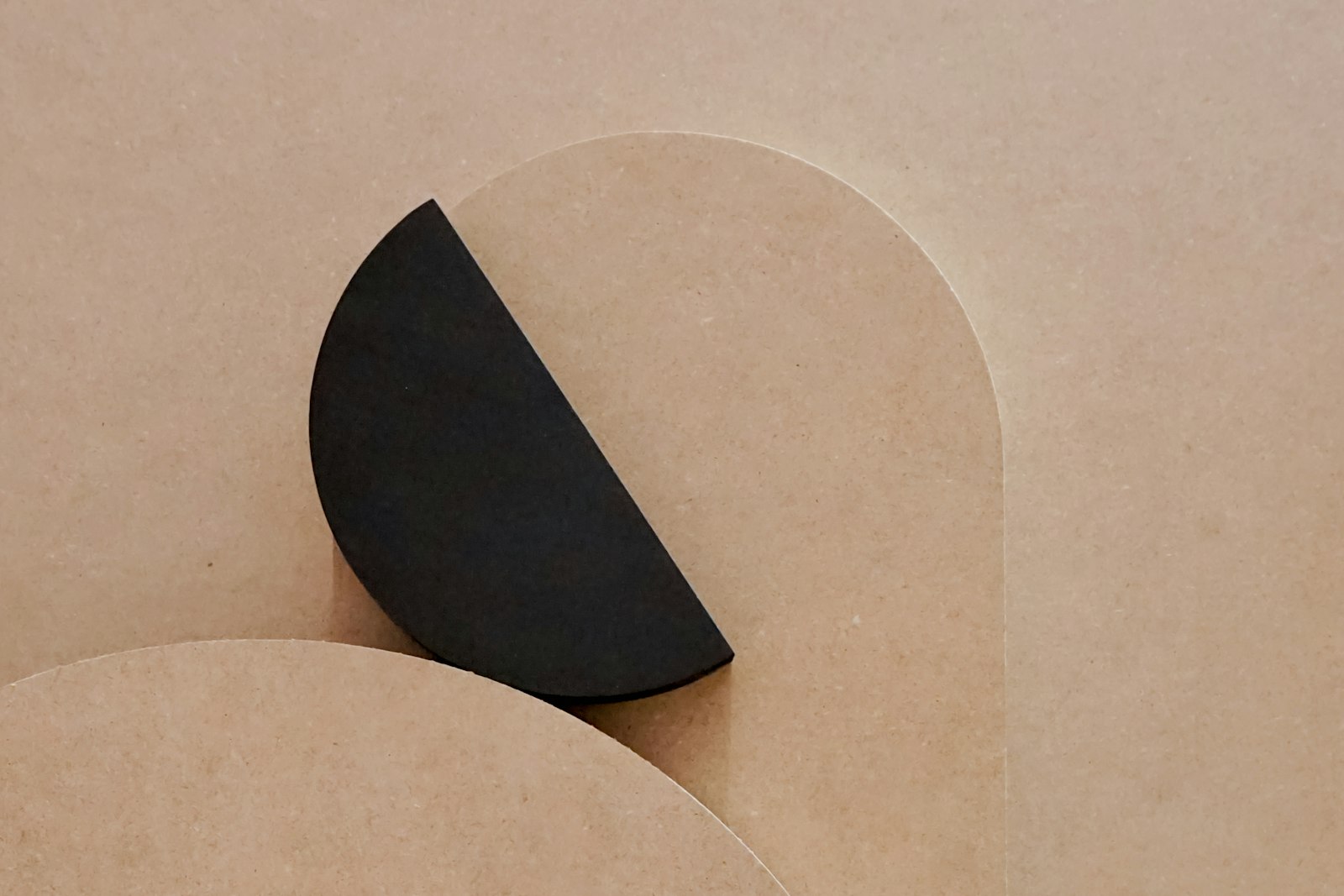
Photo via Unsplash
Shapes are the third content kind, and the only one with no upload
The app rotates between three kinds of content on a tempo grid: the lines in your text box, the images you upload, and seven built in shapes. Images need files. Text needs typing. Shapes need neither, which makes them the only thing the tool can put on screen when all you have handed it is an audio file.
It is also the honest version of what an abstract music visualizer is here. No particle system, nothing in 3D. Seven flat forms, drawn in a palette colour, swapping on the same grid everything else swaps on. Flat is the point: done well it reads as a title sequence, not a screensaver.
Getting to shapes only takes one move the slider cannot do
Drag Shape flash chance to 100 and you would reasonably expect shapes and nothing else. You get shapes about 95 percent of the time instead, and the odd text line keeps surfacing.
Here is why. The content picker lists whatever kinds actually exist and gives each a weight. Images get your image chance, shapes get your shape chance, and text gets the leftover, except the leftover has a floor of 0.05 written into it. Push shape chance to 100 and the leftover falls to zero, the floor catches it, and text sits at 0.05 against the shape's 1.0. Roughly one content change in twenty one is still a word.
So the move is not the slider, it is the text box. Clear it, upload no images, and shapes are the only candidate left. That is the same switch the piece on rendering your own VJ loops uses to get a text free clip, for a completely different reason.
What the seven shapes actually draw
Each one is sized as a fixed fraction of the frame height, so these numbers are the same on every render. The last column is how much of a 1920 by 1080 frame the form lights up, which is the best single predictor of how hard it hits.
| Shape | What it draws | Frame lit |
|---|---|---|
| Checkerboard | 10 by 6 grid of 192 by 180 cells, phase flips every 125 ms | 50% |
| Stripes | 9 bands 213 px wide, rotated 36 degrees | about 50% |
| Circle | one disc 778 px across, dead centre | 22.9% |
| Dot grid | 55 dots 104 px across, 66 px of black between them | 22.5% |
| Square | 594 px side, flips to a diamond every other flash | 17.0% |
| Triangle | 862 wide by 726 tall, pointing up | 15.1% |
| Rings | four concentric rings, 36 px stroke, outer one 986 across | 13.0% |
None of that is adjustable. There is no size control, no stroke weight, no position, no count. What you actually control is which of the seven are allowed in the pool and how often shapes win the rotation, and that is the whole creative decision.
Two of them move without being asked. The checkerboard flips its phase eight times a second on its own clock. The square rotates 45 degrees on every flash, which swings its bounding size from 594 px to 840 px and back, so it reads as a pulse rather than a recolour. The other five hold still between flashes.
One more thing about the pool: the next shape is picked at random with replacement, not run through a cycle. With all seven ticked, about one content change in seven lands on the shape already on screen and the picture simply does not change. If you want every change to register, tick two or three, not all of them.
A shape is content, not an effect
This is the part that surprises people. A shape is not something that happens when the beat lands. It is drawn on every single frame, exactly like your text and your artwork are.
Between flashes the form sits in white on black, which is the cleanest it ever looks. During a flash it takes the flash colour, over a background washed a quarter of the way to that same colour, so the shape and the ground share a hue for that instant and the edge gets softer rather than louder. Under the strobe effect it goes the other way: the background fills with the palette colour and the shape is drawn black, so a strobe flash turns your circle into a hole. Worth doing on purpose. A Black and white shapes checkbox keeps the form white at flash time instead, if you want the edge hard the whole way through.
Because shapes are drawn outward from the middle of the frame, after the transforms, every effect reaches them. A shake flash throws the form around, a zoom punch scales it past the frame edge, a bass drop shakes and tilts it. A static overlay would do none of that. Effects and palettes in general are covered in the walkthrough on customizing your visualizer.
The checkerboard is the one that flashes by itself
Six of the seven shapes are still until something in the track makes them move. The checkerboard is not. Its phase flips every 125 ms, so every cell goes light, dark, light, four full times a second, with the music turned all the way down.
The WCAG threshold for flashing content carries an exception for fine patterns. An alternating checkerboard does not violate the thresholds if its squares are smaller than 0.1 degree of visual field on a side. The same guidance estimates ten degrees of visual field as roughly a 341 pixel rectangle on a 1024 by 768 screen. Scale a 1080p frame down to that screen and one of these cells measures about 102 pixels, which is three degrees, thirty times what the exception allows. So the exception does not apply here, and four light to dark pairs a second is above the three per second the threshold permits.
That is not a formal verdict, because the definition carries an area condition too and real testing is done with a tool against the finished video. But the arithmetic is not close. Fast full frame flashing can trigger seizures in people with photosensitive epilepsy, and this is the one setting here that keeps flashing whether or not the beat does. If you are publishing to an audience you do not know, leave Checkerboard unticked. The thresholds are covered properly in the guide to making a strobe video safely.
A setup worth starting from
- Empty the text box and upload nothing. This is the only way to a genuinely abstract render, for the reason above.
- Shape flash chance to 100. With no other content kinds in play it is doing nothing, but it costs nothing either, and it keeps the setting honest if you add text later.
- Tick two or three shapes. Circle and triangle read as one piece. Rings and dot grid both lean fine and detailed. Mixing all seven is where it starts looking like a demo.
- Content change on Every beat or Every 2 beats. There are no words to read, so nothing forces a slow rate, but at Every 1/4 beat the forms swap faster than the eye settles and the whole thing reads as noise.
- Try the Mono palette once. It holds white only, so the shape never changes colour and the only event on screen is the form itself. Everything else you try after that is a decision rather than a default.
The output is a 1080p WebM you download straight out of the browser, no watermark and no account, and you can convert it to MP4 afterwards if a platform wants one.
Make a shapes only render
Free, in the browser, nothing to install. Drop in a track, clear the text box, set Shape flash chance to 100 and untick everything except Circle and Triangle. New here? Start on the home page.
Open the visualizer