The Drop · August 3, 2026
House music visualizer: riding the groove without cutting on every kick
House does not build to one enormous moment. It just goes, for eight minutes, at the same speed. Visuals that chop on every hit fight that, and the fix is mostly turning things down.
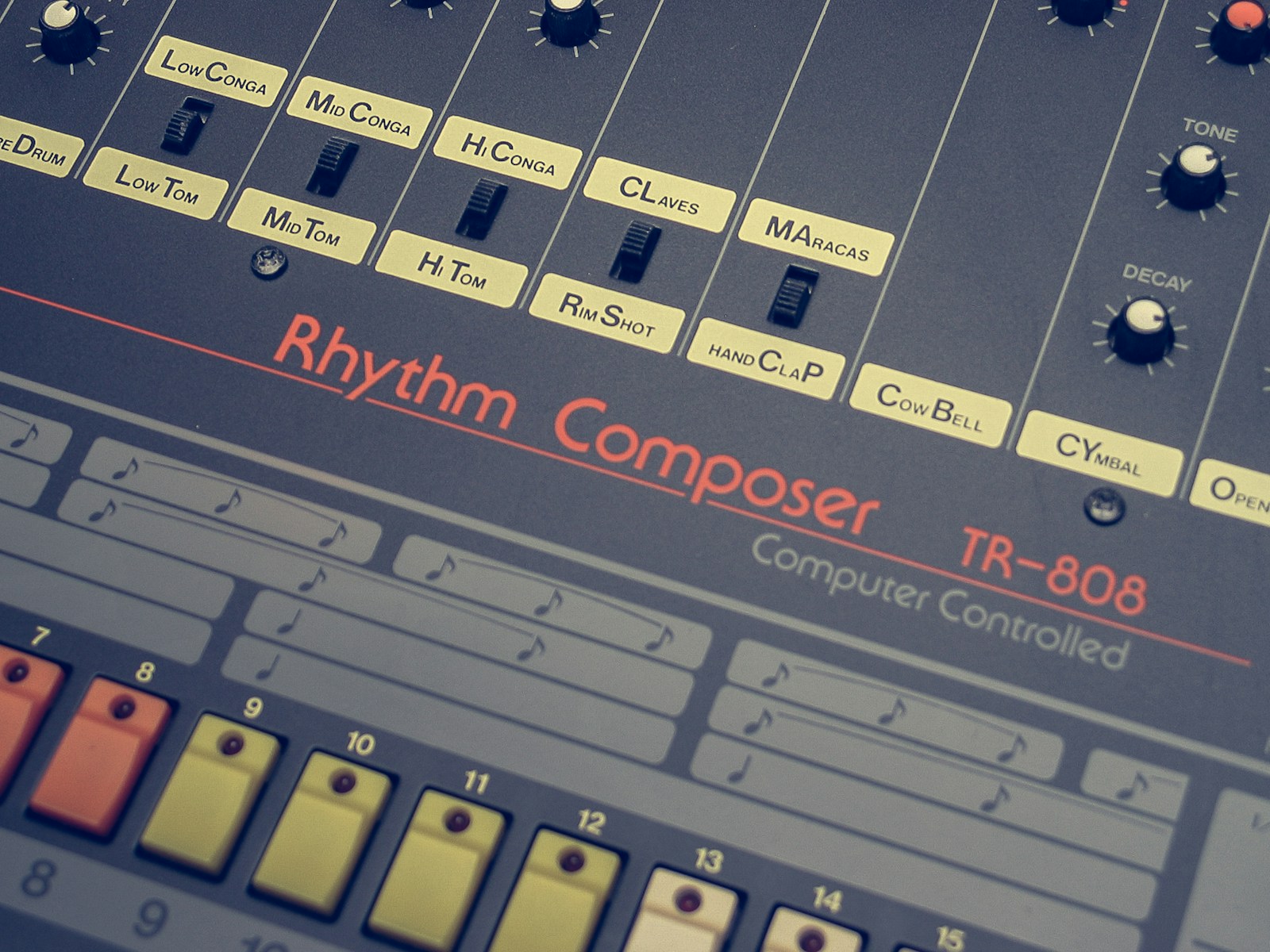
Photo via Unsplash
Most visualizer defaults are tuned for music with an obvious shape. Something builds, something detonates, the visuals go along for the ride. House is not shaped like that. Wikipedia's definition is a fair description of what you are actually working with: a repetitive four on the floor beat at a typical tempo of 115 to 130 beats per minute. The kick is on every beat and it does not stop. Point a hair trigger visualizer at that and every beat becomes an event, which means nothing is an event.
So a house music visualizer is mostly a subtraction job. Same app, same track, four settings moved, and the result stops looking like a seizure and starts looking like a room where people are dancing.
Slow the content change rate down to 2 or 4 beats
This is the single change that does the most work. The content change rate ships on Every 1/4 beat (frantic), which at 125 BPM is a new image, shape or line of text every 120 milliseconds. On a phonk edit that is the point. On house it turns your cover art into a flicker book.
Move it to Every 2 beats or Every 4 beats (slow). At 125 BPM a beat is 480 milliseconds, so four beats is one bar, just under two seconds. The picture holds long enough for someone to actually see it, and the change still lands on a beat rather than whenever.
Which of the two depends on the track. A busy vocal with a lot of percussion carries a swap every 2 beats. A deep house groove sitting in the same chord for a minute wants 4. If you cannot decide, start at 4, because too slow is much easier to spot than too fast.
Leave the bass drop detector at zero
The bass drop detector looks for sustained heavy bass and, when it finds it, scrambles the text and glitches the whole frame until the bass lets up. That is exactly right for dubstep. It is wrong for house, because a four on the floor kick plus a rolling bassline means the condition it is watching for is close to permanently true. You do not get a drop, you get a track that is glitching from start to finish.
The good news is you do not have to do anything. The slider ships at 0, and 0 is off. Just do not go raising it because it sounded fun. If your track genuinely does drop out and slam back in, a low value in the 20 to 30 range is enough to mark the return without the visuals living there.
Shapes and a palette that are not screaming
Trigger mode should stay on beat detection. House is metronomic enough that fixed interval nearly works, but the interval slider moves in 10 millisecond steps, so a 128 BPM track needs 468.75 and you can only ask for 470. That drift is invisible for a bar and obvious by the end of a chorus. Beat detection reads the audio instead, so it never slides.
For the look itself, the defaults are shouting. Three adjustments:
- Push the shape flash chance up. It ships at 25 percent. Somewhere around 50 to 60 gives you rings, stripes, circles and dot grids carrying most of the frame, which suits house far better than a photo slamming in every bar.
- Pick a palette with a floor. Ice is blues and white, Mono is a white strobe only. Both sit still in a way that Hyper, all red and cyan and yellow, never will.
- Drop the flash intensity. The duration slider runs 60 to 500 milliseconds and defaults to 180. Longer flashes on a slower groove read as pulsing rather than snapping.
Flicker is the other dial worth touching. Persistent flicker defaults to 40 percent opacity at 15 Hz. For house, either take the opacity to 0 or leave it low, around 10 to 15 percent, where it works as texture instead of as the main event.
The bar math for a loop with no seam
House is the genre where a short loop is more useful than a full render, because a booth screen or a background clip is going to play the same eight bars all night. A loop only reads as seamless if it is a whole number of bars long, so the tempo decides your clip lengths.
One bar is four beats, so a bar lasts 240 divided by the BPM in seconds. That gives:
- 120 BPM: a bar is 2 seconds. 8 bars is 16 seconds, 16 bars is 32.
- 125 BPM: a bar is 1.92 seconds. 8 bars is 15.36 seconds.
- 128 BPM: a bar is 1.875 seconds. 8 bars is exactly 15 seconds and 16 bars is exactly 30.
You do not have to work the tempo out yourself. Load the track and the app prints the detected BPM next to the filename, so the number you need is sitting right there before you touch a setting.
Render the section you want, then trim to a bar count with ffmpeg. Output here is WebM, so a trim and convert in one line looks like this:
ffmpeg -i in.webm -ss 32 -t 15 -c:v libx264 -crf 18 out.mp4
That takes 15 seconds starting 32 seconds in. Pick a start point that is already on a bar line in the original track and the loop closes on itself. If the clip is going on a booth screen behind a set, the DJ visuals post covers the playback side of it, players, screens and what to do when the laptop is also running the music.
A recipe you can copy
For a 124 BPM house track, no text, headed for a loop:
- Content change rate: Every 4 beats
- Trigger mode: beat detection, sensitivity left alone
- Bass drop detector: 0
- Shape flash chance: 55 percent, image flash chance down to about 20
- Palette: Ice
- Flicker opacity: 0 to 15 percent
- Flash duration: 250 milliseconds or so
- Text box: empty, which is a supported state and gives you a purely visual clip
Preview it, watch thirty seconds, change one thing at a time. It is a starting point rather than a rule: a peak time tech house record and a deep house record want different answers.
If it is going in front of a crowd
Turning the intensity down for aesthetic reasons happens to also be the safer choice, but it is worth being deliberate about it. WCAG success criterion 2.3.1 asks that content not flash more than three times in any one second unless the flashes stay under the defined thresholds. A slow content rate with flicker off is comfortably inside that. If you are pushing brightness or running this on a venue screen, the strobe video post works through the actual numbers.
For the opposite end of the same instruction set, where a hard 4/4 grid and maximum impact is the whole point, the techno visualizer post is the one to read. House and techno share a kick pattern and almost nothing else about how the visuals should behave.
That is the setup. Fewer cuts, longer holds, drop detection off, shapes doing the work, and a clip cut to a bar count. Open the visualizer and set the change rate before you touch anything else.
Build the loop your groove deserves
Load a house track, slow the change rate, pick shapes, and render a 1080p clip that moves with the music. Free, no watermark, no signup.
Open the visualizer