The Drop · September 2, 2026
Music visualizer on your phone: what runs in a mobile browser and what does not
There is no app to install and no account to make, so the reasonable assumption is that a phone just works. Most of it does. The part that trips people up is the render, and the answer there depends on which phone is in your hand and how old its software is.
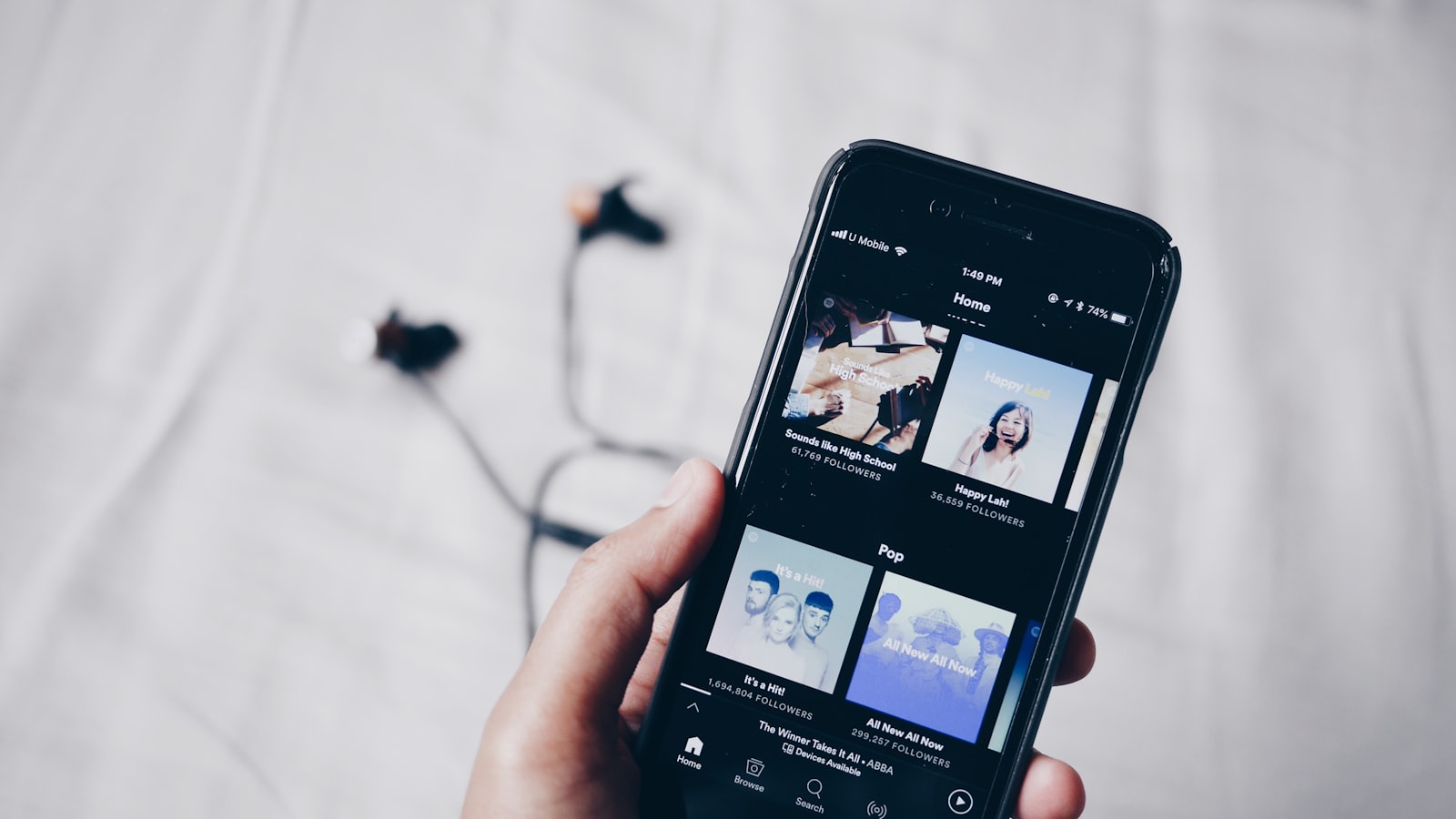
Photo via Unsplash
The short answer
Loading a track and previewing the look works on a current phone, iPhone or Android. Picking an audio file, decoding it, detecting the tempo, running the flashes on the canvas: standard browser work with wide support. The layout collapses from two columns to one below 980 pixels wide, so the controls stack instead of falling off the side of the screen.
Recording that preview into a downloadable file is where a phone stops being interchangeable with a laptop. Not because phones are slow, though that is part of it, but because of one codec decision and one stubborn fact about how the recording works.
What the tool asks the browser for
Three things, and naming them is the whole answer, because "does it work on my phone" is really "does my phone have these three".
decodeAudioDatato turn your uploaded file into samples. Per MDN's browser compatibility data this has been in Safari since version 6 and Chrome since version 14, and the mobile entries mirror the desktop ones.canvas.captureStream()to turn the animating canvas into a video track. Safari 11, Chrome 51, again mirrored on mobile.MediaRecorderto write that stream to a file. Chrome 47, Safari 14.1 on the desktop and Safari on iOS 14, which WebKit's own announcement post pins to the iOS 14.3 release.
So on any phone from the last few years, all three exist. That is the good news, and it is also where a lot of "yes it works on mobile" answers stop, one step too early.
The container is the catch, and iOS 18.4 is the line
Having a recorder is not the same as having a recorder that will write the file you asked for. This tool asks for WebM, VP9 with Opus audio first, VP8 with Opus if that fails, plain WebM if that fails too. There is no MP4 branch after those three. That is a deliberate choice rather than an oversight, and the WebM post covers why the container matters less than people think once the file is uploaded somewhere.
On Android, Chrome has recorded WebM for years, so the render behaves the way it does on a desktop. On an iPhone or iPad, WebKit's post about features in Safari 18.4 is the one that matters. It says plainly that "MediaRecorder in WebKit for Safari 18.4 now supports creating WebM files using the Opus audio codec and either VP8 or VP9 for video." That shipped on March 31, 2025, in iOS 18.4, iPadOS 18.4 and macOS Sequoia 15.4. Before that version, Safari's recorder produced MP4 with H.264 and AAC and nothing else, which means every WebM request this app makes would have come back unsupported and the render could never have started.
Practical version: an iPhone on iOS 18.4 or later has the recording format this tool needs. An older one does not, and no setting on the page changes that.
Changing browsers on an iPhone does not change the engine
The usual next move is to install Chrome or Firefox on the iPhone and try again. For most phones that does nothing. Apple's App Store Review Guidelines, section 2.5.6, require that "apps that browse the web must use the appropriate WebKit framework and WebKit JavaScript," with an entitlement available for an alternative engine in the EU and Japan. Outside that entitlement, Chrome on an iPhone has Safari's media stack, Safari's codecs and Safari's limits. If Safari on that device cannot record WebM, neither can anything else on it.
The real limit is that recording happens in real time
Even with every API present, there is a constraint no phone gets around. The track plays, the canvas animates, and the recorder captures it as it happens. A four minute song costs four minutes. There is no faster than realtime pass.
Which collides with how phones treat a browser tab. As MDN puts it, animation frame calls "are paused in most browsers when running in background tabs or hidden iframes, in order to improve performance and battery life." On a laptop that means do not minimise the window. On a phone it means do not switch apps, do not answer the message that just arrived, do not let the screen lock, and do not swipe up to check something for two seconds. Audio keeps playing while frames stop, so what you get back is a full length file with a frozen picture in it. It looks like a bug and it is not one.
Then there is the load itself: a 1920 by 1080 canvas painted at 60 frames per second and encoded at 16 megabits per second for the length of the track, on battery. That is 2 megabytes of video per second of music, so three minutes lands around 360 megabytes before you convert anything. Some phones hold that, some drop frames once they warm up. That is a device question, not a browser question, so test it rather than trusting anyone's list.
What to actually do on a phone
The split that works is to treat the phone as the dial in device and the laptop as the render device, or to keep phone renders short.
- Load the track on your phone and hit preview. Preview does not record, so nothing above applies to it. Try palettes, fonts, effects and content rate until the look is right. The customising guide walks through what each control does.
- Before committing to a full track, render 30 seconds and download it. If that file plays with real motion in it, longer will work. If it comes back frozen, something took the tab out of the foreground.
- During a real render, put the phone down face up and leave it alone. Turn on do not disturb and set auto lock to never for the length of the track.
- If you need MP4, that conversion is one command and it is not happening on the phone. The export post has the workflow and the per platform specs.
ffmpeg -i in.webm -c:v libx264 -crf 18 out.mp4
One thing about flashing on a phone
A phone screen sits closer to your face than a monitor, fills more of your field of view, and is more likely to be watched in the dark. The output here strobes hard by default, and anything above three flashes per second can trigger seizures in people with photosensitive epilepsy. Worth remembering before you preview at full intensity in bed, and again before you send the clip to someone. The strobe guide has the thresholds and how to build something calmer.
The short version
- Load, preview and dial in the look: works on a current iPhone or Android phone.
- Audio decoding and canvas capture are supported on mobile everywhere that matters.
- Recording needs WebM. Android Chrome has had it for years. iOS got it in 18.4, released March 31, 2025.
- Swapping browsers on an iPhone does not help, since they all run on WebKit outside the EU and Japan entitlements.
- The render runs in real time and stops drawing frames the moment the tab is backgrounded, so the phone has to stay awake and in front for the whole track.
- Test with a 30 second render before you commit to a full one.
Open it on whatever you are holding
No download, no signup, and your audio never leaves the browser. Preview on the phone, render where you can leave the screen alone.
Open the visualizer