The Drop · October 30, 2026
Supported audio formats: what files a browser music visualizer takes
There is no list of supported audio formats in this app, because the app never decides. It hands your file straight to the browser. So I fed 23 files to the real thing in Chrome and wrote down which ones came back.
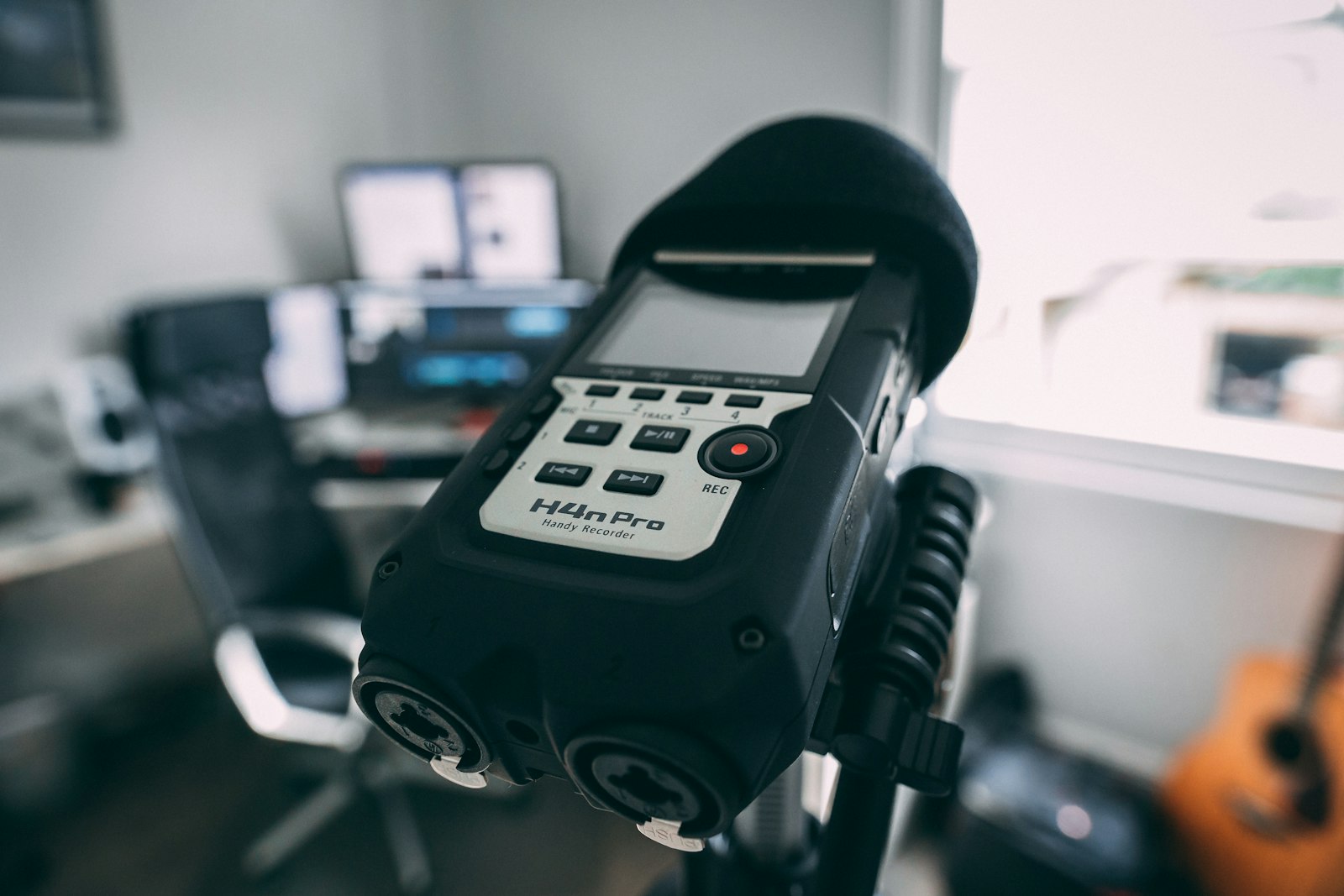
Photo via Unsplash
The short answer is that almost everything works. The interesting part is the small set that does not, because the pattern behind the refusals is not the one most people expect, and because a file can decode perfectly and still give the visualizer less to work with than you think.
What decoded and what did not
Every file below is the same 16 second, 120 BPM test track, encoded different ways and loaded through the real file input in Chrome.
| Result | Files |
|---|---|
| Decoded | WAV, FLAC, MP3 at 320, 128 and 64 kbps, AAC in .m4a, raw AAC in .aac, Ogg Vorbis, Opus in .opus, Opus in .webm, an .mp4 video, a .webm video |
| Refused | AIFF, Apple Lossless in .m4a, Apple Lossless in .caf, AMR in .amr, AMR in .3gp, WMA, a text file renamed to .mp3 |
You are never left guessing when one is refused. The status line reads "Could not decode that file" followed by whatever the browser said, which in Chrome was the same four words every time: "Unable to decode audio data". Preview and Render stay switched off until you hand it something readable.
Why the app does not keep a list
The audio input accepts audio/* and the decode is one line, into the Web
Audio API's decodeAudioData. The specification is blunt about what that
means. Audio file data, it says, can be in any of the formats supported by the audio
element. There is no second list anywhere. If your browser plays it, this page reads it.
Which is why this post names a browser. Everything above is Chrome, and Safari would come back different in at least two places. MDN's compatibility tables put Apple Lossless at Yes for Safari and No for Chrome, Edge, Firefox and Opera, which is exactly the result I measured from the other side. Ogg Vorbis is the mirror image, supported since Chrome 4 and Firefox 3.5 and listed as No for Safari. If one file has to work for everyone, MP3 or WAV is the boring correct answer.
The extension on the file decides nothing
The browser does not look at the name, it sniffs the bytes. Proved three ways: a WAV renamed to .mp3 decoded, a WAV with no extension at all decoded, and an MP3 renamed to .wav decoded, all three printing the right duration and the right tempo.
The flip side is the one that bites. .m4a is not a format, it is a box. An .m4a holding AAC decoded fine. An .m4a holding Apple Lossless, same extension, was refused. So if a recording app handed you an .m4a this page will not take, you have not found a bug. There is something other than AAC inside it, and any converter fixes it.
A video file works too
An .mp4 and a .webm both decoded, video tracks and all. The spec covers it: when a byte
stream holds more than one track, only the first audio track gets decoded, so the picture
is ignored. A rough phone video of a live set is a usable source, and so is a render this
app made earlier, since its own output is a WebM carrying Opus audio. One catch. Because
the input asks for audio/*, your file picker greys video out by default.
Switch its file type dropdown to all files.
What a low bitrate rip costs you
Decoding is one question. Whether the file still holds what the visualizer reads is a different one. The beat detector watches bins 1 to 27, roughly 94 Hz to 2.5 kHz. The hi-hat image trigger watches bins 70 to 180, which is 6.5 kHz to 16.9 kHz. A lossy encoder saves bits by throwing away the top of the spectrum, so those two bands are nowhere near the same risk.
Mean analyser level across a full 16 second playback, which repeats to within about a unit run to run:
| File | Beat band | Hat band | Top frequency left |
|---|---|---|---|
| WAV | 90.0 | 39.5 | 22,125 Hz |
| MP3 320 | 89.7 | 38.9 | 20,156 Hz |
| MP3 128 | 89.2 | 38.5 | 16,781 Hz |
| AAC 128 | 91.5 | 39.5 | 17,344 Hz |
| AAC 32 mono | 105.5 | 26.7 | 12,563 Hz |
| AAC 32 stereo | 95.6 | 0.01 | 5,062 Hz |
Read the second column first. Not one file that decoded came back short in the band the beat detector reads, including the 32 kbps ones. A bad rip does not cost you flashes. That is the thing everyone worries about and it is not the problem.
The third column is. At 32 kbps in stereo the encoder gave up at about 5 kHz, which is below the bottom of the hi-hat band, so the entire band read 0.01 out of 255. Not quiet. Empty. Assign an image to the Hi-hat role on that file and it can never once appear, and nothing on screen tells you why. The same bitrate in mono survived to 12.5 kHz, which still blanks 46 of the 111 bins the hat detector looks at and drops the band by a third. MP3 at 128 cut off at 16.8 kHz and lost nothing that mattered.
So the rule is narrow and easy to apply. Anything from about 128 kbps up is fine for everything the app does. Down at the bottom of the bitrate range you keep the beat and lose the hats, and the fix is to put your image on the Snare or the Kick role instead. That is the realistic answer for a voice memo or a recording pulled off a phone: it will almost certainly decode, it will almost certainly flash, and the hat triggers are the thing to stop relying on rather than the whole file.
The one place stereo and mono genuinely matter
Two different parts of the app handle this, which I did not expect until I went looking. The flashes come from the analyser, and the Web Audio spec requires the analyser to down mix its input to mono before the transform, by the plain average of left and right. Tempo is worked out separately at load time, off one call for channel data, and that call asks for channel zero. The left channel. Only.
So I built a file with the drums hard right and the bed hard left, otherwise identical to the reference. The reference printed 119 BPM. The off centre version printed 168 BPM, the same wrong number on all three runs, while the flash count did not move, because the analyser's mono sum still heard every hit.
That is a quiet one. Nothing looks broken, but the grid that swaps your text and images is riding a tempo that is not the track's. Almost no commercial mix puts the kit on one side, so it will rarely bite. If the printed BPM is obviously wrong while the flashing looks right, check for hard panning, and bounce to mono.
What to upload
- A WAV or a 320 kbps MP3 where you have the choice. Both work everywhere.
- 128 kbps or better for anything streamed or shared. Below that the hi-hat triggers start going, so move your image to the Snare or Kick role.
- If an .m4a is refused, convert it. The extension is a container, not a codec.
- Do not rename a file to make it work. The browser is reading the bytes.
- A dry bounce reads better than a loud master, which is measured in the bass boosted post.
If a file decodes and the render still comes out wrong, that is a different problem with different causes, and the render problems post goes through them one symptom at a time. Trying all this from a phone? The mobile post covers which half of the app survives there.
Drop a file in and see
Free, no signup, nothing uploaded anywhere. Your audio is decoded in your own browser and never leaves it.
Open the visualizer