The Drop · October 24, 2026
Music note animation over your video: what the flyers overlay does
Fifty-odd posts on this site and not one of them has mentioned the overlay that throws notes across the frame. Here is all of it, including the one number that decides how busy it looks.
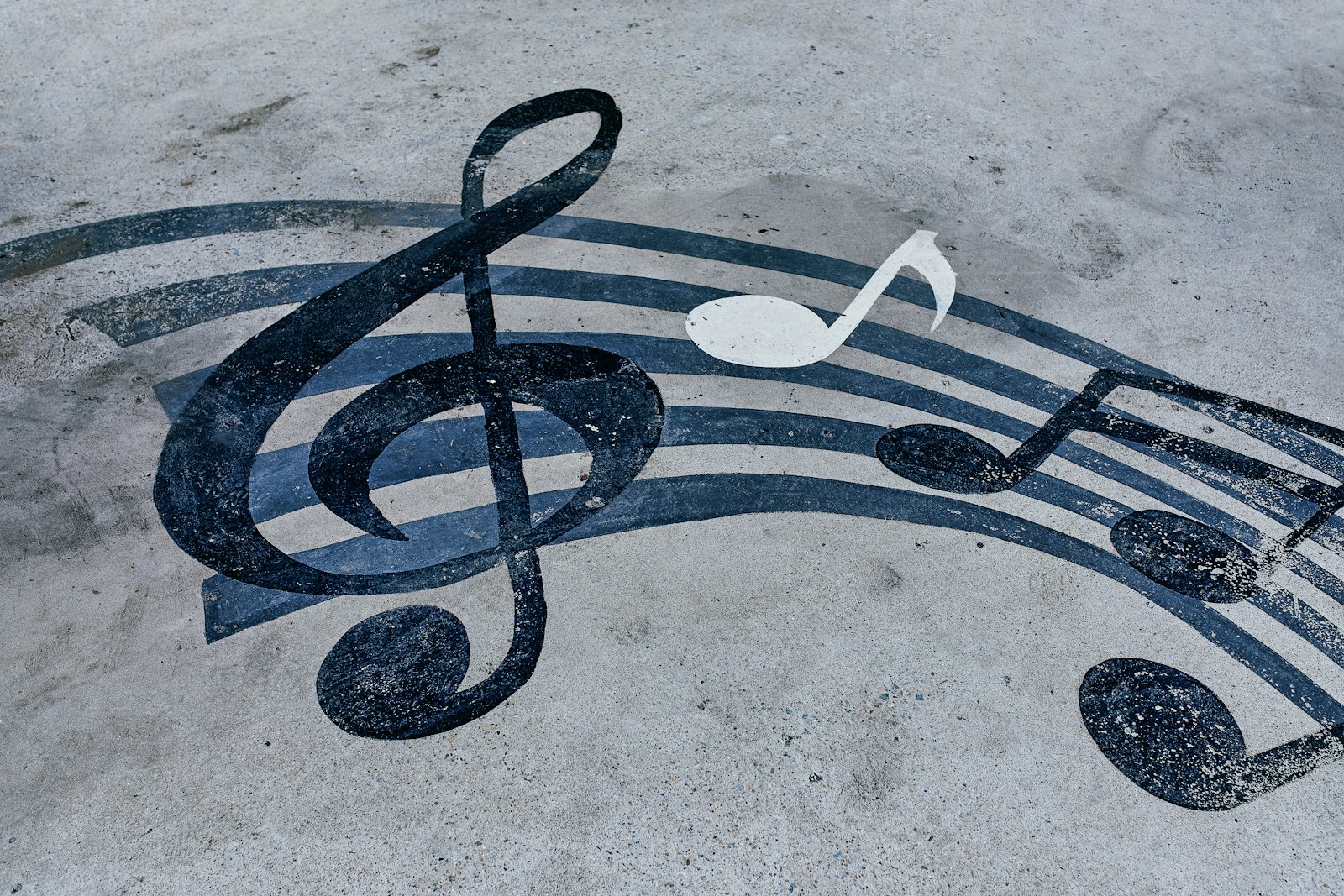
Photo via Unsplash
Most music note animation lives in a motion graphics project, keyframed by hand and rendered out as a transparent layer. The visualizer has a much smaller version built in, in the Overlays section under the name Flying objects, and it is one dropdown with four entries: off, music notes, shapes, light streaks. Nothing else to set. No count, no colour, no direction, no speed.
Every flash launches one to three of them
Flyers have no timer of their own. When a flash fires, the app rolls a number between one and three and spawns that many, each entering from the left or right edge at random, at a random height, size and speed. That continues until forty are on screen, a hard ceiling the app will not cross.
What surprises people is how many things count as a flash. There are four: a beat the detector picked up, a tick of the Fixed interval clock, the moment the bass drop detector engages, and a hit on a drum that has an image assigned to it. All four launch flyers, so giving an image the Kick role while the detector is also running fills the frame roughly twice as fast as the music alone would suggest.
Each one is on screen for one and a half to four seconds
A flyer enters 120 pixels outside the frame and is deleted 240 pixels past the far edge, so every one travels exactly 2280 pixels whichever way it is going. Speed is drawn between 9 and 26 pixels per frame, so at 60 frames a second the slowest takes 4.2 seconds to cross and the fastest 1.5. Averaged across the range, a flyer is on screen for about 2.4 seconds.
That is the whole model. Two spawn per flash, each lives about 2.4 seconds, so what you see at any moment is your flash rate times five. The density control for your music note animation is the thing controlling your flashes, nothing else.
What that looks like in practice
Rather than leave that as arithmetic, I ran the app on Fixed interval at seven settings and counted the notes actually drawn on each frame, once the frame had filled:
| Flashes a second | Roughly | On screen |
|---|---|---|
| 1 | Every 2 beats at 120 | 3 |
| 2 | Every beat at 120 | 8 |
| 4 | Every 1/2 beat at 120 | 19 |
| 6.5 | Busy hat pattern | 33 |
| 12 | Near the app's limit | 38 |
The ceiling starts biting at around six flashes a second and pins the frame from about eight, after which more flashes buy you nothing. If the overlay looks too sparse the fix is a faster flash rate, and if it looks like a swarm, back the beat sensitivity off and the swarm thins with it.
The three kinds, from the code rather than the names
Music notes draws one of four characters, picked at spawn and kept for life: a quarter note, an eighth note, beamed eighth notes and beamed sixteenth notes. It draws them in the generic system serif face rather than any of the fifty display fonts the app ships, so the exact shape of the notes in your render comes from whatever your own machine maps serif to. They arrive at an arbitrary tilt and keep turning slowly.
Shapes is one shape, a filled square, rotating as it crosses. Worth saying out loud because the content layer has seven shapes and this is not that menu. Sizes run 26 to 90 pixels in a 1080 pixel frame, so these are small objects, nothing like content shapes that fill a fifth of the screen.
Light streaks is a horizontal line fading from transparent to solid, its length tied to its speed: a fast one is about 156 pixels long, a slow one about 54. They never rotate, which is what makes them read as motion lines rather than debris.
None of the three ever enters the top or bottom 8 percent of the frame. They cross the middle band, which is exactly where your text and artwork sit, so a dense overlay and a long text line will fight each other.
Colour comes from the palette, one per object, fixed for life
Each flyer takes a colour from the active palette when it spawns and keeps it until it leaves, which makes them the only thing on screen holding a colour across flashes, since the flash colour itself is re-drawn on every one. So a multicolour palette gives you a drifting mix of the whole set at once, while Mono gives you clean white notes on black. Pick the palette for the overlay too, not just for the flashes.
They move by the frame, not by the clock
This one is genuinely unique in the app. The persistent flicker runs off a real clock, the cooldowns are in milliseconds, the content grid is in beats. Flyers are none of that. Each painted frame moves them along by their speed with no reference to how much time passed, so their real world pace is tied to how fast your browser is painting.
MDN puts the behaviour plainly: the animation callback frequency "will generally match the display refresh rate", and while "the most common refresh rate is 60hz", 75, 120 and 144 are all widely used. On a 144hz monitor the loop paints well over twice as often, so the same settings send the notes across well over twice as fast.
It cuts the other way too. I throttled the browser to 20 frames a second and ran the same two flashes a second for the same six and a half seconds. At full speed the frame held about ten notes, because they were leaving as fast as they arrived. At 20 frames a second every one of the 26 notes launched during the run was still on screen at the end, none of them across. An overlay that comes back crawling and clogged is a dropped frame rate telling on itself, not a setting.
What reaches them and what does not
Flyers are drawn after the flash effect has already been applied, so shake does not shake them, RGB split does not split them and strobe does not recolour them. They sit on top of all of it, steady, which is the real argument for the overlay: one calm element over a picture being thrown around. What does reach them is anything drawn later, meaning the beat invert, the flicker and the VHS band, which drags a note sideways with everything else in its strip.
Every render also starts empty, so the first second or two has almost nothing drifting in it. If you are cutting a short clip, trim the front.
So is it worth turning on
For a lyric or ad-lib video, a type beat upload, or anything where the frame is mostly text on black, yes. It gives the empty space something to do. Around photographs, be careful: it is one more thing crossing the middle of the picture, and at a fast flash rate it is forty of them. The honest limit is that there is no control beyond on, off and which of the three. The walkthrough of the settings panel covers what you can change either side of it.
Turn it on and watch one cross
Free, in the browser, no account and no watermark. Load a track, set Flying objects to Music notes, hit Preview. New here? Start on the home page.
Open the visualizer