The Drop · June 18, 2026
Trap visualizer: drum-triggered images and 808 energy on screen
Trap does not live on a four-on-the-floor kick. It lives on the hi-hats that skitter across the bar and the 808 that slides underneath them. A trap visualizer that gets the genre right has to read those two things, then put a different image on screen for each one.
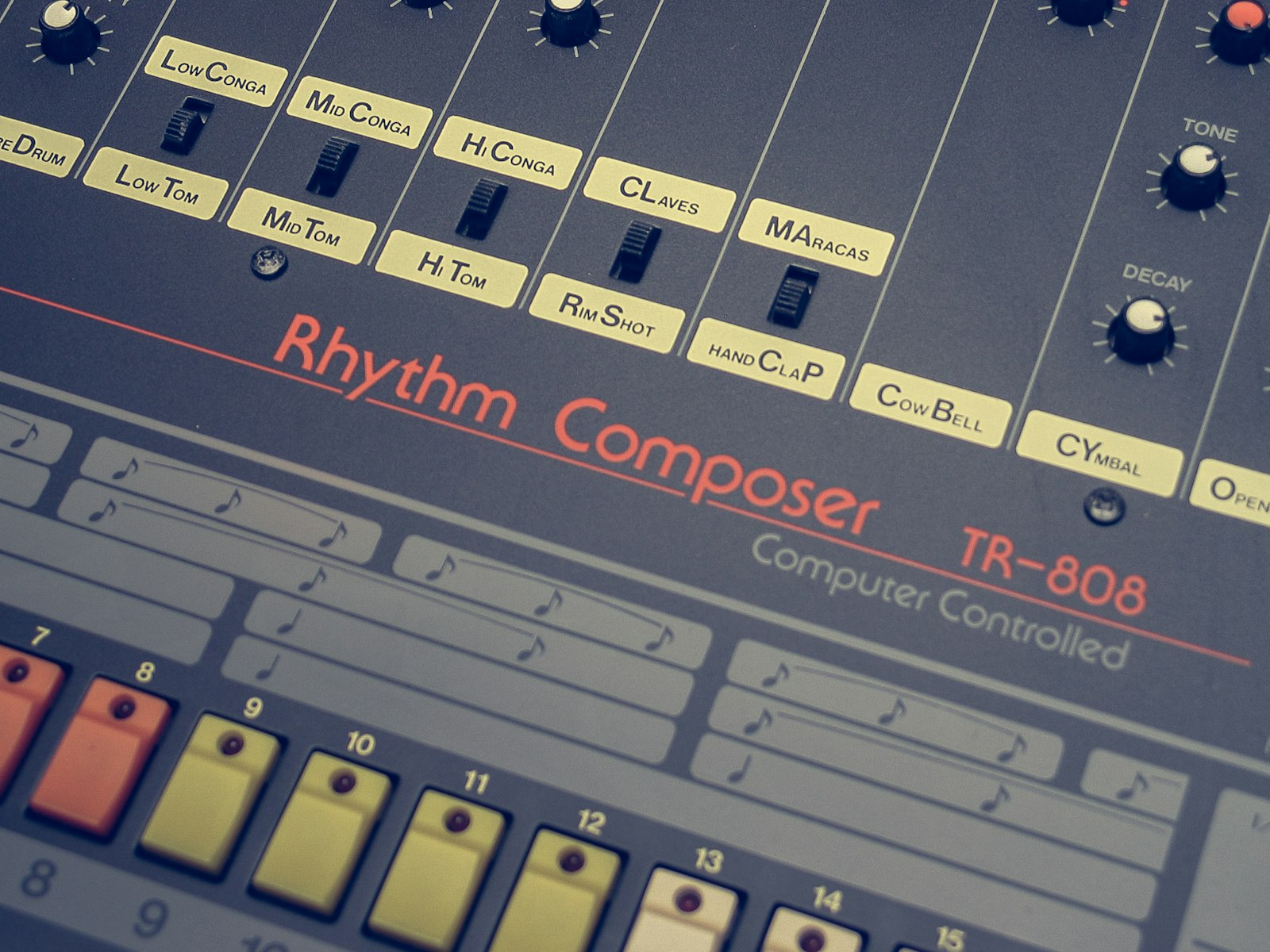
Photo via Unsplash
What makes a trap visualizer different?
The signature trap sound is three parts. There is the 808, a sustained sub-bass note that often glides in pitch and holds for most of a bar. There are hi-hats running fast sixteenth notes and triplet rolls that rattle across the top. And there is a sparse snare or clap that lands hard, usually on the third beat, with a lot of space around it. Everything else is built around those three. So a trap visualizer cannot just flash on the loudest thing in the mix, because the loudest thing is the 808 and it almost never stops. Flash on that and you get a strobe that never lets go. The genre is defined by the hats and the snare placement, and that is what your visuals need to catch.
The visualizer handles this by listening to three drum bands at once and letting you put a different image on each. It is the same per-drum engine the phonk edit guide uses, but trap leans on the hi-hat band far harder than phonk does, so the setup is its own thing.
Why level-based flashing falls apart on trap
Most simple visualizers fire when a frequency band gets loud. That logic breaks on trap for one specific reason: a sustained 808 holds the low end loud the entire time it rings out, so a detector watching the bass level just sees a wall of energy and either stays triggered forever or gives up. The fix is to watch the rate of change instead of the level. The app's drum detection measures spectral flux, which is how much energy a band gains since the last frame, not how loud it is right now. A held 808 sits at a high level but adds almost no new energy frame to frame, so it reads as quiet to the detector. A hi-hat tick or a snare crack is a sudden rise, so it reads as a hit. That distinction is the whole reason a trap visualizer can pick the hats out from underneath a droning 808 at all.
Practically, you do not have to fight the 808 to get clean hi-hat triggers. The detector is already ignoring the part of the sound that never changes and reacting to the parts that do.
Put an image on the hi-hats
This is the move that makes a trap edit read as trap. Add your images, then use the dropdown under each thumbnail to set its role. Assign one image to the hi-hat, one to the snare, and one to the kick. The app watches kick, snare and hat as separate bands, so each drum flashes its own image when it hits, while images left on "Any" keep rotating with your text in between.
The hat is the busy one. During a sixteenth-note roll the assigned hi-hat image will trigger in rapid succession, which is exactly the stuttering, machine-gun look that says trap. Pick something that survives being flashed fast: a high-contrast logo, a face, a single bold word as an image. Save the snare for the image you most want people to remember, because the snare on beat three is the loudest, most spaced-out hit in the bar and the eye lands on it. Let the kick carry a texture or a darker frame so the low hits feel like weight rather than another flash.
If a roll feels like too much, drop the hi-hat sensitivity so only the louder ticks in the roll trigger. If the hats barely register, raise it. You are tuning one slider against one drum, so it is fast to dial in by ear.
Cut with the hats, not against them
The app detects the tempo once when the track loads and then rides that grid, so text and image swaps land on real beats instead of drifting. Trap is usually written around 140 to 150 BPM but felt at half that, near 70 or 75, because the snare sits on beat three. That half-time feel is the trap groove, and you can play it both ways on screen.
For the body of the track, set the content change rate to every two beats so cuts land on that big spaced snare and the edit breathes the way the beat does. When a hi-hat roll comes in, that is your cue to push faster: drop to every half beat or quarter beat so the cuts machine-gun along with the roll, then pull back to every two beats when the roll ends. That contrast, patient on the snare and frantic on the rolls, is what separates a trap visualizer from an EDM one, where the cuts climb steadily instead.
Let the 808 drive the glitch
The hats and snare handle the rhythm, but the 808 is the energy, and you can put it on screen too. The app has a bass drop detector that engages when the low end stays heavy for longer than a single hit, tearing the frame into glitch slices, shaking the picture, and scrambling your text while it holds. It watches the bass against its own running peak as well as a rolling baseline, so a track that is loud from the first bar, which describes most trap, still trips it on the hardest 808 sections.
Set the bass drop sensitivity so it engages on the heaviest passages and the beat switch, not on every note, or the whole video glitches and the effect stops meaning anything. This is the same detector the dubstep visualizer leans on, just asked to pick its moments instead of running the whole time.
Build the look
Type carries a lot of the trap aesthetic. The font picker has fifty faces, and a tight condensed impact or a hard grotesque reads more trap than anything ornate. Pick a small set in the Fonts panel rather than leaving all fifty on, so the type stays consistent. Keep your text short, the way trap ad-libs are short: a name, a tag, a single word. For color, two or three saturated tones flipping on the flash reads cleaner than the full rainbow, and a black and white look puts all the weight on the contrast of the cuts.
Render it and post it
Run a full preview with the sound up and check one thing: do the hats drive the screen and does the snare land? When they do, render. The app records the canvas at 1920x1080, 60fps, with the track muxed in, and the export is a WebM file with no watermark and no account. Keep the tab focused while it records, because a backgrounded tab stops drawing frames and freezes the video.
- YouTube takes WebM directly. For a platform that wants MP4, one command converts it:
ffmpeg -i trap.webm -c:v libx264 -crf 18 trap.mp4 - Render the whole beat once, then cut the hardest eight bars for Shorts, Reels and TikTok. A type beat or a loosie travels best as a fifteen second hook.
One caution before you publish
Trap edits flash fast on the hi-hat rolls and glitch hard on the 808, and strobing light can trigger seizures in people with photosensitive epilepsy. Put a flash warning in the first line of your caption, and if you are running these visuals on a screen at a show, post a notice at the door. The warning is not optional.