The Drop · November 2, 2026
Brazilian funk visualizer settings for a tamborzao loop
Funk carioca does not give a beat detector the thing most genres give it. There is no kick on every beat. There is a looped percussion phrase, and the app reads that loop very differently from a four on the floor track.
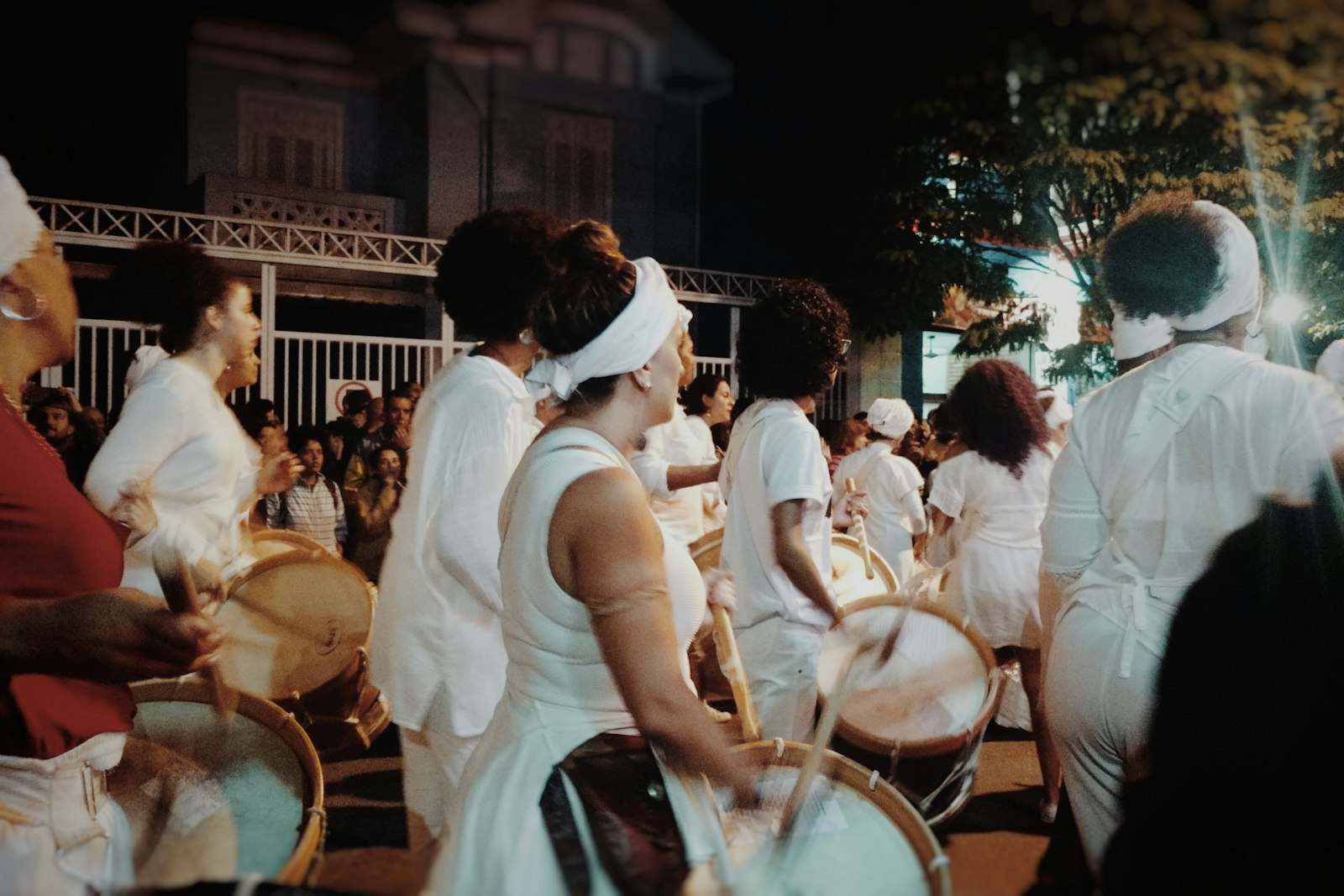
Photo via Unsplash
I rebuilt that loop as a test file, ran it through the real app, and the very first number on screen was wrong by a long way. Here is what the detectors do with baile funk visuals, and what to change because of it.
Eleven attacks, and no hi-hat
Carlos Palombini's history of the beat, published in Dancecult, puts the tamborzao at 1998, when DJ Luciano Oliveira built it on a Roland R-8 MK-II out of five sampled instruments: an ambo kick, two attack toms, a slap high conga and an open low conga. The figures in that paper count the hits in one cell. Three kicks, four toms, four congas. Eleven attacks, and only three of them are the kick.
Where those eleven sit matters more than how many there are. The beat the tamborzao replaced, the volt-mix, ran from a bass drum at the bottom of the picture to a closed hi-hat at the top. The tamborzao threw the top away. Palombini describes the new cell as compacted between the low and the upper middle, and the move from one beat to the other as a loss of activity in the upper region. Nearly everything in the loop lands in one band, and the band above it is close to empty.
Tempo is the easy part. SongBPM's track pages put Baile de Favela, Rap das Armas and Deu Onda at 130, Bum Bum Tam Tam at 132, Vai Malandra at 126 and the faster gaiola branch at 150 for Vamos Pra Gaiola. All of those sit inside the app's 60 to 180 tempo scan and above the 95 BPM line where it starts doubling readings, which is the trap the reggaeton post is built around.
Check the tempo the app prints before you trust the grid
Tempo is worked out once, when the file loads, by autocorrelating an onset envelope. The app slides the track against a delayed copy of itself and keeps whichever delay lines up best. On four on the floor the best match is one beat. On a syncopated loop it does not have to be.
Six test files, all 16 seconds, all a true 130 BPM, all peak matched, three playbacks each. The last two columns are mean analyser level over the playback.
| Test file | Printed BPM | Beat band | Hat band |
|---|---|---|---|
| Kick on every beat | 130 | 16.6 to 17.6 | 0.07 to 0.12 |
| Kick plus eighth hats | 130 | 31.1 to 31.2 | 13.8 to 14.6 |
| Tamborzao layout A | 86 | 50.9 to 52.5 | 3.0 to 4.1 |
| Tamborzao layout B | 86 | 55.6 to 56.1 | 3.7 to 5.0 |
| Tamborzao layout C | 65 | 57.5 to 58.4 | 4.2 to 4.7 |
| Layout A plus hats | 86 | 63.6 to 65.4 | 24.4 to 24.8 |
Both controls printed 130 on every run. All three syncopated layouts printed something else, the same wrong number three times each, and putting a hi-hat line back on top did not rescue it.
86 BPM is a repeat every six sixteenth notes. 65 is a repeat every eight, which happens to be exactly half the real tempo. The scan locked onto a phrase inside the pattern instead of the beat, and in two cases out of three that phrase is not even an octave of the tempo: 86 is 130 times four sixths. The app does carry an octave correction that doubles a winning reading under 95 BPM when the doubled version still scores at least 40 percent as well. It ran on all three and declined all three times, correctly for what it was handed, and still left the grid in the wrong place.
That costs you something real, because content swaps ride the printed tempo rather than the flashes. Every 1/4 beat against a printed 86 changes your pictures every 174 ms instead of 115. Every 2 beats gives you 1.39 seconds instead of 0.92.
So read the Ready line, which prints the tempo the app found before you render anything. If it is not close to what your DAW says, switch content changes to Fixed interval and type the figure you want. At 130 BPM a beat is 462 ms, a half beat 231, a bar 1,846.
What the Kick, Snare and Hi-hat roles actually hear
Giving an uploaded image a drum role is the best thing this app does on percussive music, and funk carioca bends it harder than any genre I have tested, because the roles are frequency bands rather than instrument recognition. Kick watches bins 1 to 7, roughly 94 to 656 Hz. Snare watches about 844 Hz to 3.3 kHz. Hi-hat watches 6.5 to 16.9 kHz. Same files, three images loaded, counting how many times each role actually fired in 16 seconds:
| Test file | Kick role | Snare role | Hi-hat role |
|---|---|---|---|
| Kick only, 34 kicks | 34, 34, 34 | 17 to 19 | 5 to 10 |
| Kick plus hats, 34 each | 65 to 68 | 49 to 52 | 35 |
| Tamborzao, 26 kicks, no hats | 79 to 83 | 34 to 41 | 21 to 24 |
| Tamborzao plus 69 hats | 79 to 89 | 69 | 69, 69, 69 |
Start with the clean rows. On a bare kick pattern the Kick role fired exactly 34 times against 34 kicks, three runs in a row, and on the file with 69 hi-hats the Hi-hat role fired exactly 69 times, three runs in a row. When an instrument is alone in its band the trigger is perfect.
Now the loop. It holds 26 kicks and the Kick role fired 79 to 83 times, close to once per attack in the whole eleven hit cell, because the toms sit at 152 and 196 Hz and the open congas around 245, all inside bins 1 to 7 with the kick. The Hi-hat role fired 21 to 24 times on a file with no hi-hat anywhere in it, biting on the crack of the conga slaps.
None of that is a bug to route around. It is the setting. If you want an image punching along with the loop, Kick is the role that does it, and it will hit about three times more often than the kick drum does. For something sparser, Snare came in at 34 to 41, and Hi-hat, normally the busiest of the three, was the quietest one here. That is the reverse of what works on afrobeats and amapiano, where the kick is the thing to avoid rather than the thing to use.
The loop does not drown the detector
The obvious worry with a near continuous percussion phrase is that it holds the energy so high nothing can stand out from it. It does hold the energy high: the band the main flash detector reads averaged 51 to 58 on the tamborzao files against 31 on the hatted control, close to double. The flash count barely moved, 71 to 80 against 71 to 75. The threshold is a multiplier on a rolling average of the last 43 frames, about 0.7 of a second, so a loop that lifts the level lifts the bar along with it. What changes is which hits clear it, not how many do. The thing that genuinely moves the flash rate is the hi-hat line, which is why layout A with eighth note hats jumped to 100 to 104.
Worth saying plainly: 76 flashes in 16 seconds is 4.75 a second, comfortably over the three per second that accessibility guidance treats as the seizure risk threshold. Flashing video can trigger seizures in people with photosensitive epilepsy. If you are publishing this anywhere, raise Beat sensitivity to thin the flashes out or drive the whole thing off Fixed interval, and warn people in the description.
A starting point
Five settings for a Brazilian funk visualizer, in the order they matter:
- Read the printed tempo first. If it is not your track's tempo, set content changes to Fixed interval rather than the BPM grid.
- Put your main image on the Kick role. On this loop that is the whole percussion pattern, not the kick drum, which is usually what you want.
- Use Snare for a second image if you want one that appears less often, and do not count on Hi-hat for anything regular.
- Nudge Beat sensitivity up from the 1.35 default. The loop keeps the average high, so the default is already firing on a lot of it.
- Leave the bass drop detector at 0, where it ships. It is looking for a sustained lift against a quieter baseline and a track with no conventional build gives it nothing clean to compare against.
One caveat on my own numbers. The tamborzao files here are a reconstruction of the loop's texture, built to the attack count and register layout in Palombini's transcription, not a recording of anybody's track. Everything was measured on the real app, but the figure 86 belongs to my test file. Your track will print its own number, which is exactly why the instruction is to go and read it.
Drop a file in and see
Free, no signup, nothing uploaded anywhere. Your audio is decoded in your own browser and never leaves it.
Open the visualizer