The Drop · June 24, 2026
Concert visuals on a laptop: free stage backdrops for small venues
A 200-capacity room does not come with a video crew or a wall of LED. Most of the time it comes with a back wall, maybe a projector, and a band that wants the stage to feel like something. You can build the concert visuals for a night like that on a laptop, for free, and the trick is knowing which parts to settle before you ever load in.
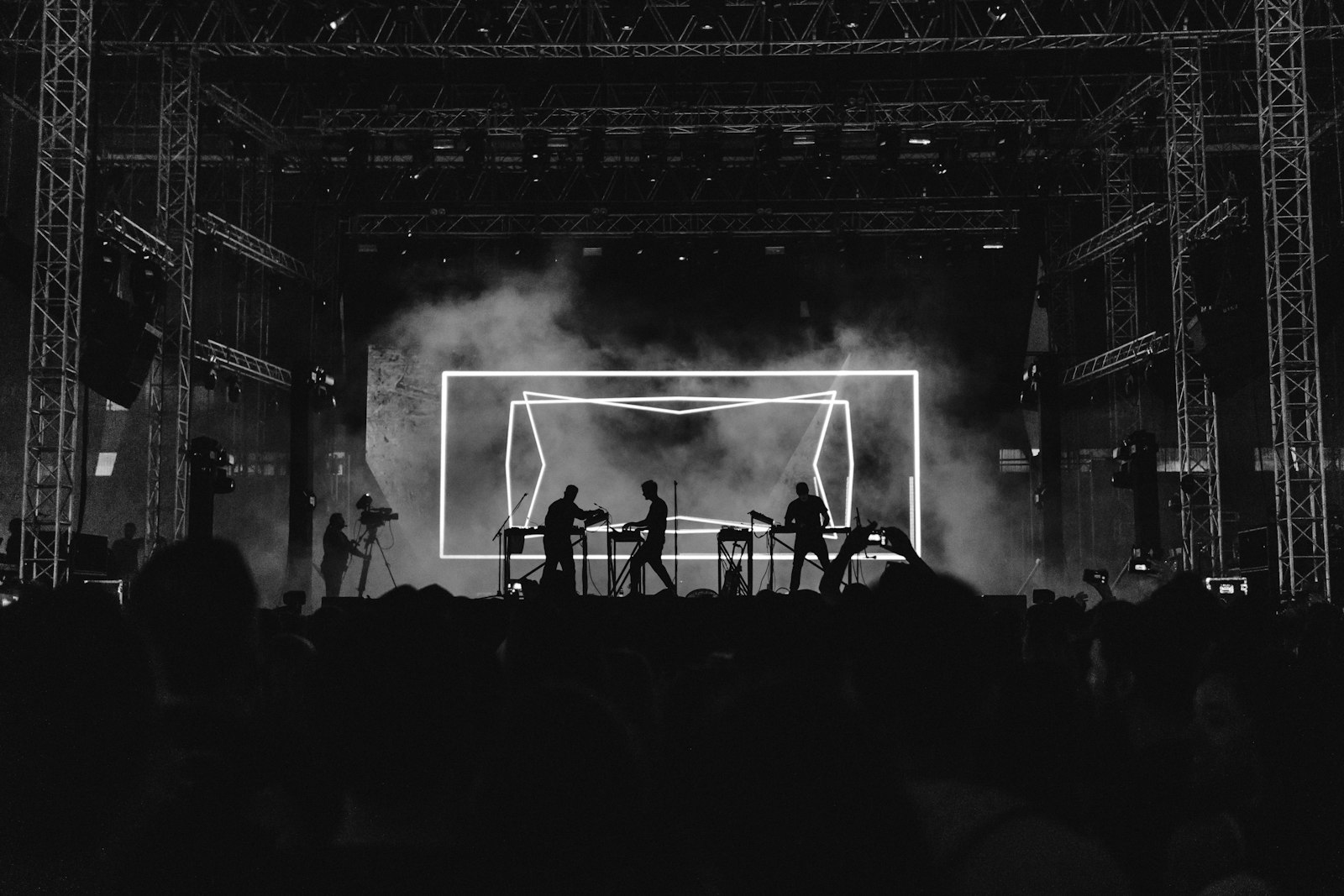
Photo via Unsplash
What concert visuals need to do in a small room
Big festival screens and a packed little club want the same thing from a backdrop, just at different sizes: motion that moves with the music and never pulls focus off the people on stage. In a small venue you have two extra problems on top of that. There is no budget for a VJ, and the surface you are projecting onto is whatever the room gives you. So the goal is concert visuals that one person can build in an afternoon and run off a laptop without babysitting them all night.
The way pros split this job scales right down to a club. They run pre-rendered clips that play back reliably, then layer live reactive effects on top. With no VJ and no rig, you keep the first half and skip the second. A browser tool like the visualizer turns a track into a reactive 1080p video, so the reactive part is already baked into the file before you walk in. No subscription, no watermark, and your audio never leaves your machine.
Render the loops at home, do not run a live tab at the gig
Here is the honest limit, and planning around it makes for a calmer night. The app reacts to the audio file you load into it, not to the live sound in the room. It plays your track, draws the visuals to match, and records the canvas and the audio together into a video. So the reliable plan for a small venue is to render the visuals for your set in advance and play those files back, not to wire a laptop into the desk and hope it follows the live mix.
Rendering early buys you everything that matters at a gig. You can watch the result, re-roll anything that misfires, and arrive with files that look the same every time. There is also a hard technical reason to do it at home: the app records in real time, and a browser tab that loses focus stops drawing frames, which leaves a frozen video. That is fine on your own machine where you keep the tab in front. It is a bad thing to learn about on stage. Render in a quiet room, check the file, then bring the file. If you want the deeper version of this for a touring rig, the live performance visualizer guide walks through running visuals behind a full set.
A backdrop with no words on it
Behind a band you usually want no text at all, and the app has a clean route to that. Leave the text box empty and it stops using text entirely. With the box empty it runs one of three ways: your uploaded images only, generated shapes only, or pure black strobe. The shapes engine cycles through a checkerboard, circles, squares, rings, stripes, triangles and dot fields, all drawn from the center so the shake and zoom effects still throw them around. That is the mode most small stages want behind a player: abstract, reactive, nothing to read.
If you do want something specific on the wall, load images instead. A logo, a record cover or a few stills become the content the beat cuts between, and you can pin a particular image to the kick, the snare or the hi-hat so it only flashes up when that drum hits. That gives a club backdrop that is unmistakably the act's own, with no text and no stock loop that ten other bands are also using.
Get it onto the wall without a video budget
When the visuals hit where they should, render. The app captures the canvas at 1920x1080 and 60fps with the track muxed in, and the export is a WebM file. From there you only need something to throw it on the wall.
- A cheap projector aimed at a pale back wall or a stretched white sheet is the classic small venue move. A mid-range projector covers a huge surface for a fraction of an LED panel, and in a dark room it reads fine.
- A spare TV or monitor on a stand works for a tight stage. Set the player to loop one long render per track, or a few short loops you repeat across a section.
- If the room already runs OBS or a VJ app like Resolume, the file drops in as a media source or a
clip you can trigger. Most VJ tools and projectors are happiest with MP4, and one command converts
the WebM:
ffmpeg -i set.webm -c:v libx264 -crf 18 set.mp4
Whatever the surface, render with its shape in mind. A wide projection and a single upright TV frame the same file very differently, so check the render on something close to the real shape before the doors open.
Settings that read from the back of a small room
A few choices carry most of the weight on a club wall:
- Lock the cuts to the tempo. The app detects the BPM when the track loads and changes content on a beat grid, so the visuals breathe with the song instead of drifting against it.
- Keep the palette tight. Two or three saturated colors flipping on the cuts read far cleaner from across a packed room than the whole rainbow, and a black and white look puts all the weight on the contrast of the cuts.
- Save the big reaction for the big moment. The bass drop detector tears the frame into glitch slices and shakes the picture when the low end stays heavy, so aim it at the actual drop rather than every kick. The same detector does the heavy lifting in the dubstep visualizer guide if your set leans that way.
Flashing in a packed room is your responsibility
This matters more in a venue than on a phone, because a backdrop fills a chunk of everyone's view. Flashing light is more likely to trigger a seizure in someone with photosensitive epilepsy when it covers a large part of what they can see, and a lit stage in a dark room is close to the worst case. The widely used guidance, from WCAG and broadcast rules, is to keep flashing to no more than three flashes in any one second, and the most provocative range sits roughly between 10 and 25 flashes a second. Red flashing is harder on people than other colors.
The app's persistent flicker control runs from 2 up to 30 Hz, which passes straight through that danger zone, so for a venue backdrop keep the flicker low or switched off and lean on the cuts, the color and the shapes for energy instead of a hard strobe. Then do the human part: put a flash warning on the event listing and a notice at the door. Whoever runs the room carries a real duty of care to the people in it, and in a small packed venue that warning matters more, not less.
Build your stage loops
Free, browser-based, and your track never leaves your machine.
Open the visualizer